5 - 62 en-938821/2
5.6 CNC Information Archiving
Requirements
System switched on.
No mode being executed.
Actions
Select the 2nd page of Mode softkeys. ☞
MODE
MODE
Display of the 2nd page of Mode softkeys at the bottom of the screen:
TL SET LOAD UNLOADSHIFTS
Select the unload mode. ☞
UNLOAD
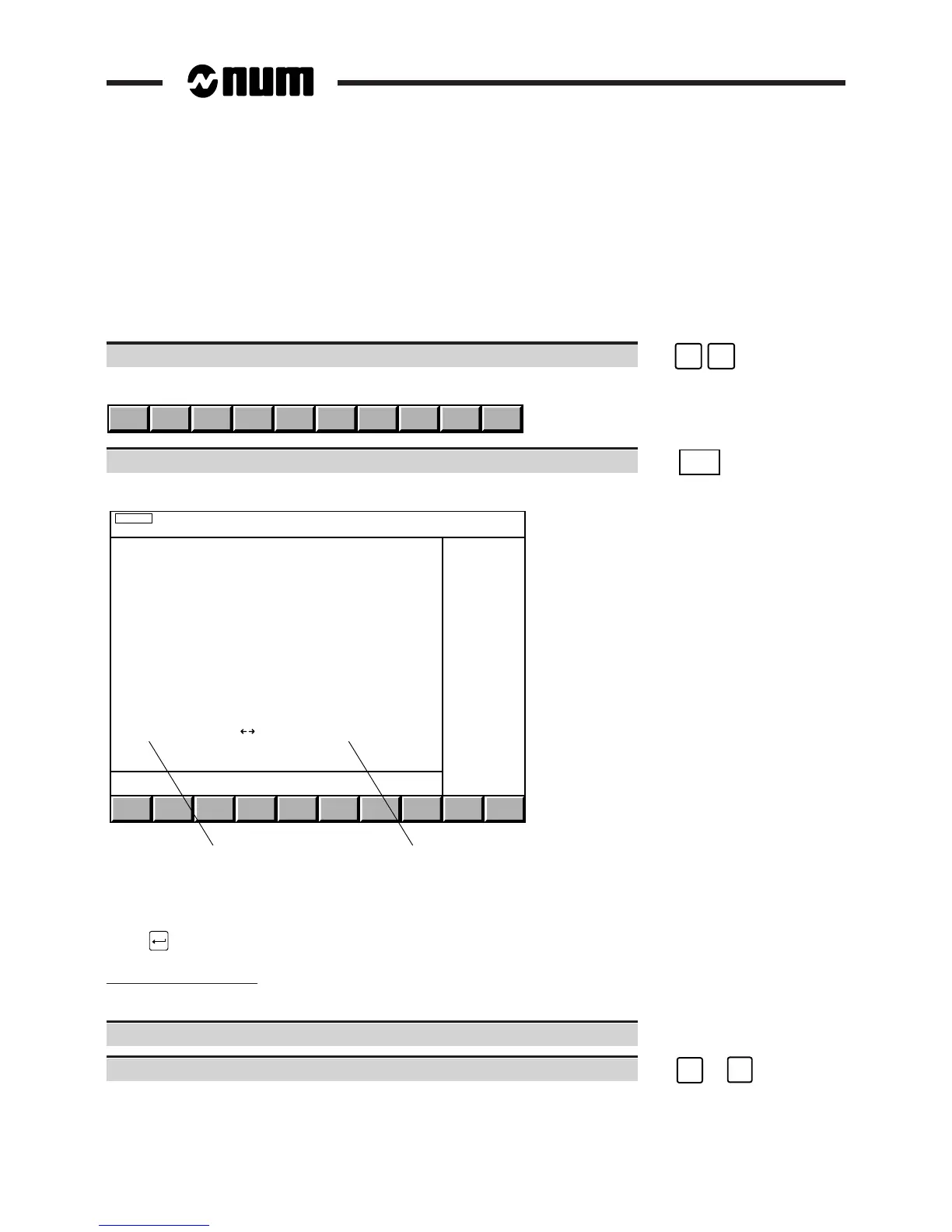
Display of the "FILE UNLOADING MENU" and the unload mode indicator in the status window:
UNLOAD
12
FILE UNLOADING MENU
> 0 ACTIVE PROGRAMME
1 TOOL OFFSETS
2 OTHER PROGRAMME
4 COMMUNICATIONS
ISO(#) LINE ( ) : COMM1
1 - Serial line selected
2 - Character code
To select an item, move the cursor onto the item with the up and down arrow keys or enter the item number then
press .
Selecting the serial line
The CNC serial line parameters must be set (See 8.3) according to the peripheral (See peripheral manual).
Set the peripheral transmission parameters.
Select the serial line set for the peripheral. ☞
➞
or
➞
The line selected is displayed.



 To Next Page