CNC Operation
en-938821/2 5 - 11
5
5.2.1.1 Selection of Origin Shift Mode (SHIFT)
Requirements
No mode being executed. If a mode is being executed, selection of this mode is only taken into account after an
interruptible block.
Actions
Select the Mode softkeys. ☞
MODE
MODE
Display of the 2nd page of the Mode softkeys at the bottom of the screen:
TL SET LOAD UNLOADSHIFTS
Select the origin shift mode. ☞
SHIFTS
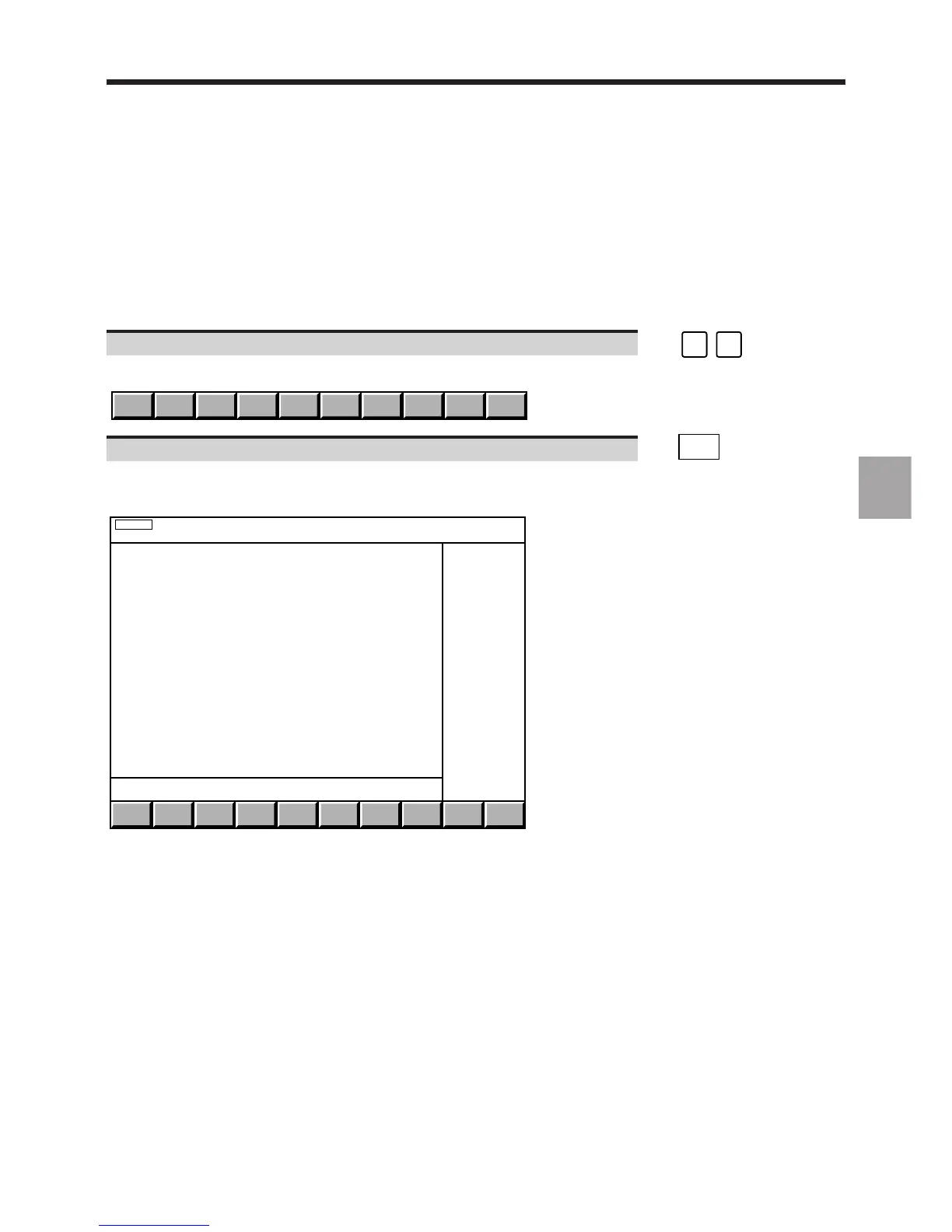
Display of the shift page, plus dialogue line for part origin input and the origin shift mode indicator (SHIFTS) in the status
window:
SHIFTS
SCALE: E 1000/1000
DAT1 DAT2 DAT3
X + 126.452+ 200. + 100. *
Y - 503.267+ 0. + 0.
Z - 42.871+ 150. + 100. *
B + 0. + 0. + 0.
DAT1: ❙
REMARK A DAT3 datum shift was entered for the two axes marked * (See 5.2.1.5).



 To Next Page