en-938821/2 8 - 31
8
Operator-Accessible Maintenance
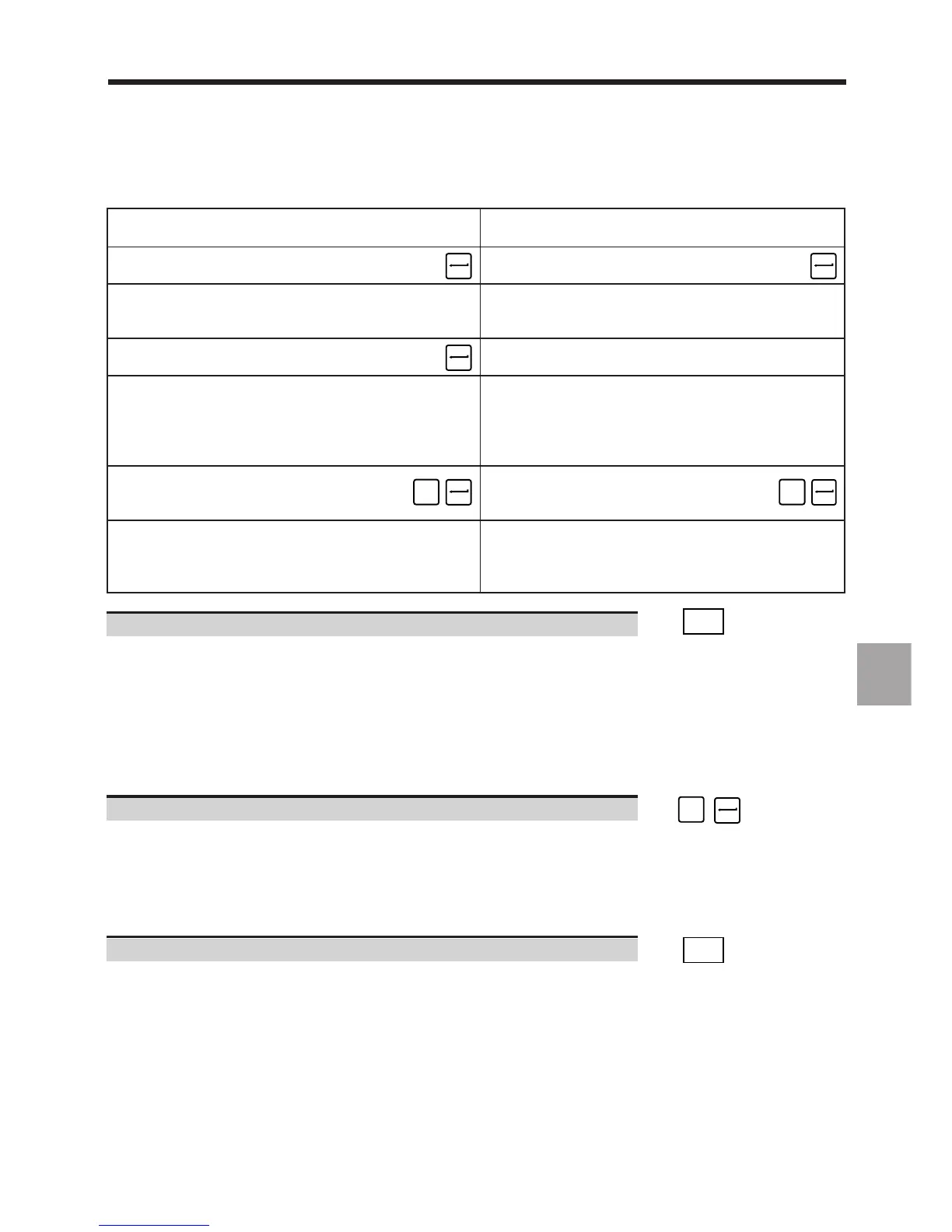
Deleting the zone and entering Deleting the zone and
a new password password
Enter a password Do not enter a password
(maximum 16 characters). ☞ ☞
Display of the message:
VERIFICATION:
RE-ENTER THE PASSWORD
Re-enter the password
for verification. ☞
Display of the message: Display of the message:
PROTECTED ZONE WILL BE CLEARED PROTECTED ZONE WILL BE CLEARED
VALIDATE NEW PASSWORD: REMOVE PASSWORD:
and the dialogue line: and the dialogue line:
? (Y,N) ❚ ? (Y,N) ❚
Confirm deletion of the protected zone Confirm deletion of the
and validate the password, ☞
Y
protected zone, ☞
Y
The machine power is turned off The machine power is turned off
with display of the message: with display of the message:
PROTECTED ZONE CLEARED PROTECTED ZONE CLEARED
NEW PASSWORD IS VALID PASSWORD REMOVED
Return to the "RESIDENT MACROS" menu. ☞
EXIT
Exit from the procedure
In answer to one of the questions:
VALIDATE NEW PASSWORD:
or
REMOVE PASSWORD:
? (Y,N) ❚
Answer no. ☞
N
Display of the message:
MODIFICATION ABORTED:
PASSWORD NOT MODIFIED
PROTECTED AREA UNCHANGED
Return to the "RESIDENT MACROS" menu. ☞
EXIT



 To Next Page