Operator Panel Description
en-938821/2 3 - 9
3
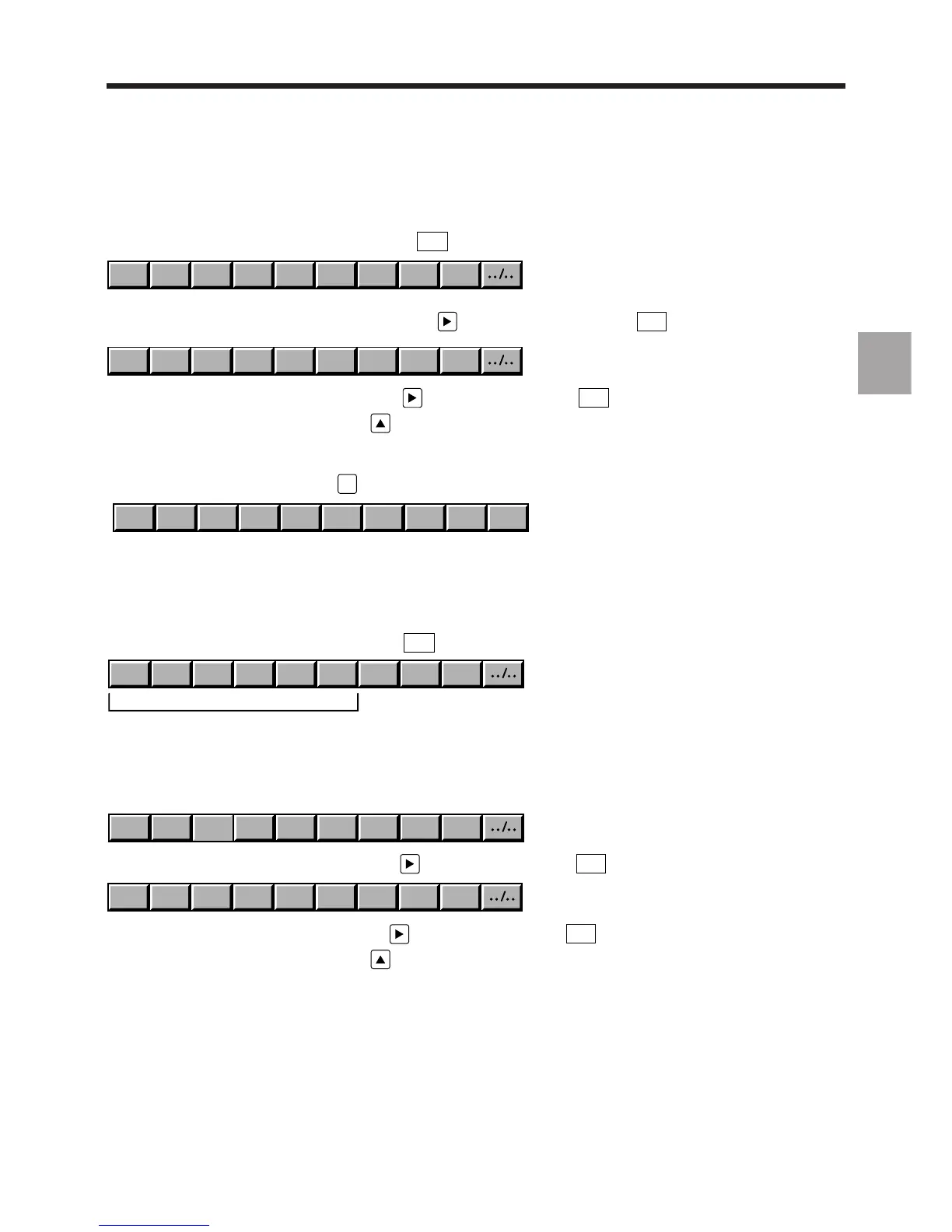
Special case of the Compact Panel: Mode Softkeys
Access the first Mode softkeys by pressing the
MODE
key of the Root softkey bar.
SINGLE MDI DRYRUN SEARCH EDIT TEST MANUAL HOMEAUTO
Access the second Mode softkeys by pressing the key (F12) or the Next key
. . / . . .
.
TL SET LOAD UNLOADSHIFTS
Return to the first Mode softkeys by pressing (F12) or the Next key
. . / . . .
.
Return to the Root softkeys by pressing (F1).
3.1.4.4 JOG Softkeys
Access these softkeys by pressing
JOG
.
.1 1 10 100 1000 10000 FREEHANDW .01.001
REMARK The increments can be cancelled individually by PLC programming (see Automatic
Control Function Programming Manuals). In this case, the corresponding
softkeys are not displayed.
Special Case of the Compact Panel: Jog Softkeys
Access the first Jog softkeys by pressing the
JOG
key of the Root softkey bar.
Z A B C HANDWYX
Names of the axes declared in P9
The first Jog softkeys contain the names of the first axes (maximum 6) declared in machine parameter P9. They are
used to select the axis to be controlled by the jogs.
In multigroup systems, the axis name is followed by the group number declared in P9:
Z
GR1
X
GR2
Z
GR2
HANDW
Y
GR1
X
GR1
Access the second Jog softkeys by pressing (F12) or the Next key
. . / . . .
.
.1 1 10 100 1000 10000 FREE.01.001
Return to the first Jog softkeys by pressing (F12) or the Next key
. . / . . .
.
Return to the Root softkeys by pressing (F1).



 To Next Page