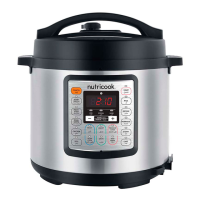
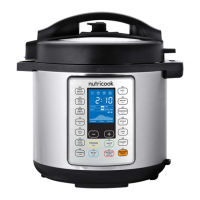
In order to familiarize yourself with the Smart Pot and start
cooking with your favorite recipe, it is highly recommended for
first time users to do a test run. This optional, but recommended, test
run will complete in about 15 minutes.
1. Add 3 cups (750 mL) water to inner pot.
2. Insert inner pot into cooker base.
3. Connect power cord to a power source.
Display indicates OFF.
4. Align ( ▼) on lid with ( ▲) on cooker base.
Lower lid into track, then turn lid clockwise.
5. Turn pressure release valve to Sealing position.
6. Select Smart Program: Pressure Cook.
7. Press and hold - key to adjust cook time to 00:05 minutes.
After 10 seconds, cooker displays On to indicate that it has begun
Initial test run.
36


 To Next Page