20
Gallery & Photos
These two apps allow you to view, edit, and share the photos you take and save. For
information on the Photos app, please consult Google’s Google+ documentation at:
https://support.google.com/plus/ You can find these apps in All Apps .
Gallery has many features and you’ll want to take your time exploring them all. At its
heart, though, Gallery is a means to show and share the pictures you’ve taken.
To view pictures, open the app and select an album by tapping on it. The album shows
up as a grid of photos. Tap a photo to view it, or swipe left and right to see the entire grid
if there are more photos than will fit on the screen. When viewing a single photo, you
may swipe left and right to load the next and previous photos in the album, respectively.
This sounds more confusing than it looks in motion. The way the photos look when you
swipe makes the organization quite a bit clearer and easier to grasp. Don’t forget that the
Back button will back you out of any screen!
When you are viewing a photo, you will also see a Share button . When you tap this
button, you’ll get a list of ways to share the photo. The list will change depending on
what apps you have installed, but as an example, one of the options is to send the
picture via e-mail. If you chose that, your e-mail app would come to the foreground with
the picture already attached to a blank message. Just fill in the address and subject, then
tap send!
And what are photos without the ability to edit them? When you view a photo, you will
also see an Edit button . Tap this button and you’ll have plenty of options. Across the
bottom from left to right, the edit categories are...
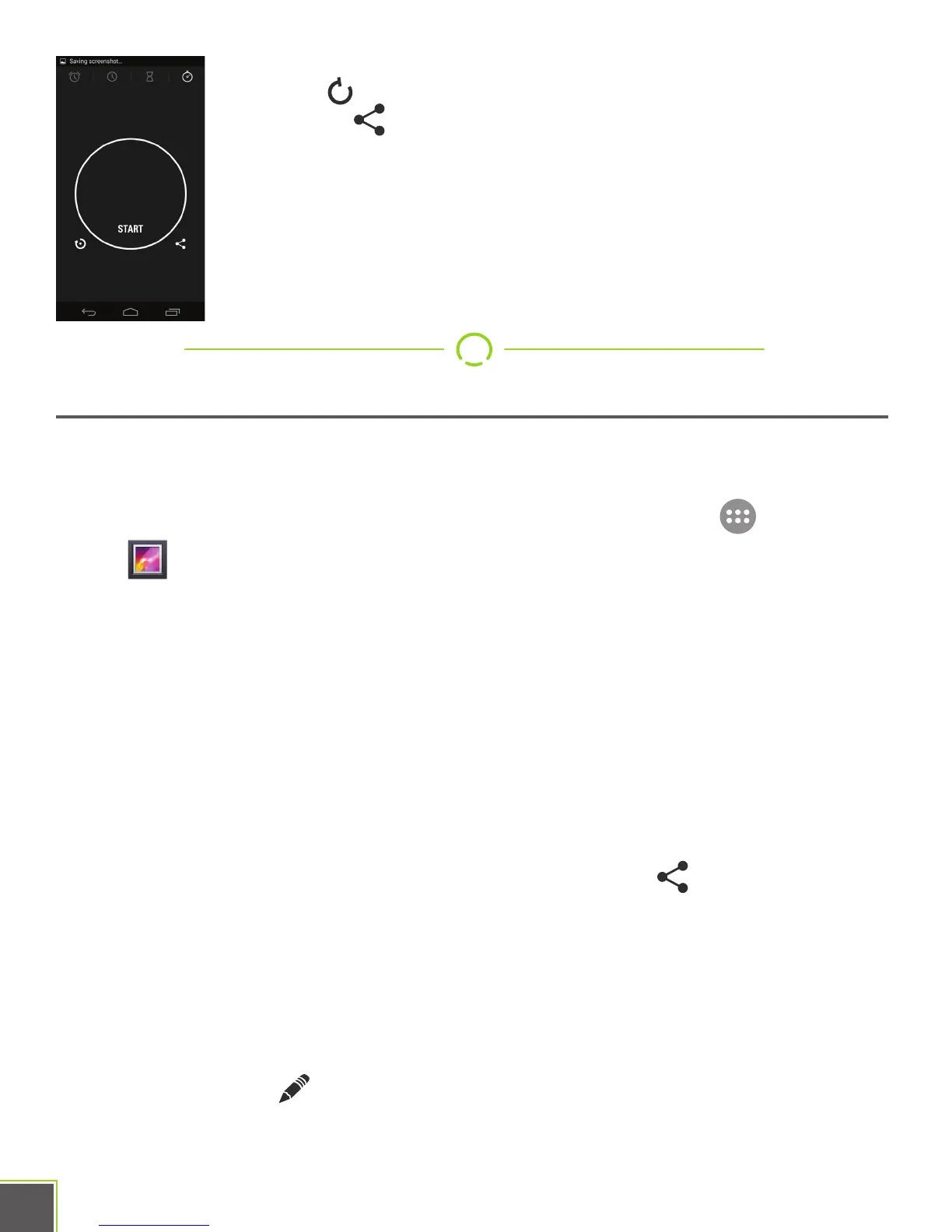
Stopwatch: This is a basic stopwatch with start/stop functions and a
lap button . A stopped timer can be shared with the
share button .


 To Next Page