18
Ensure that the safety thermostat is adjusted to a value higher than the set
temperature.
Prior to operation ensure that no substance has been left in the chamber.
At most 70% of the surface area of the shelves should be loaded in order to
obtain a uniform temperature distribution.
6.2. OPERATING MODE AND MENU
6.2.1. OPERATING MODE
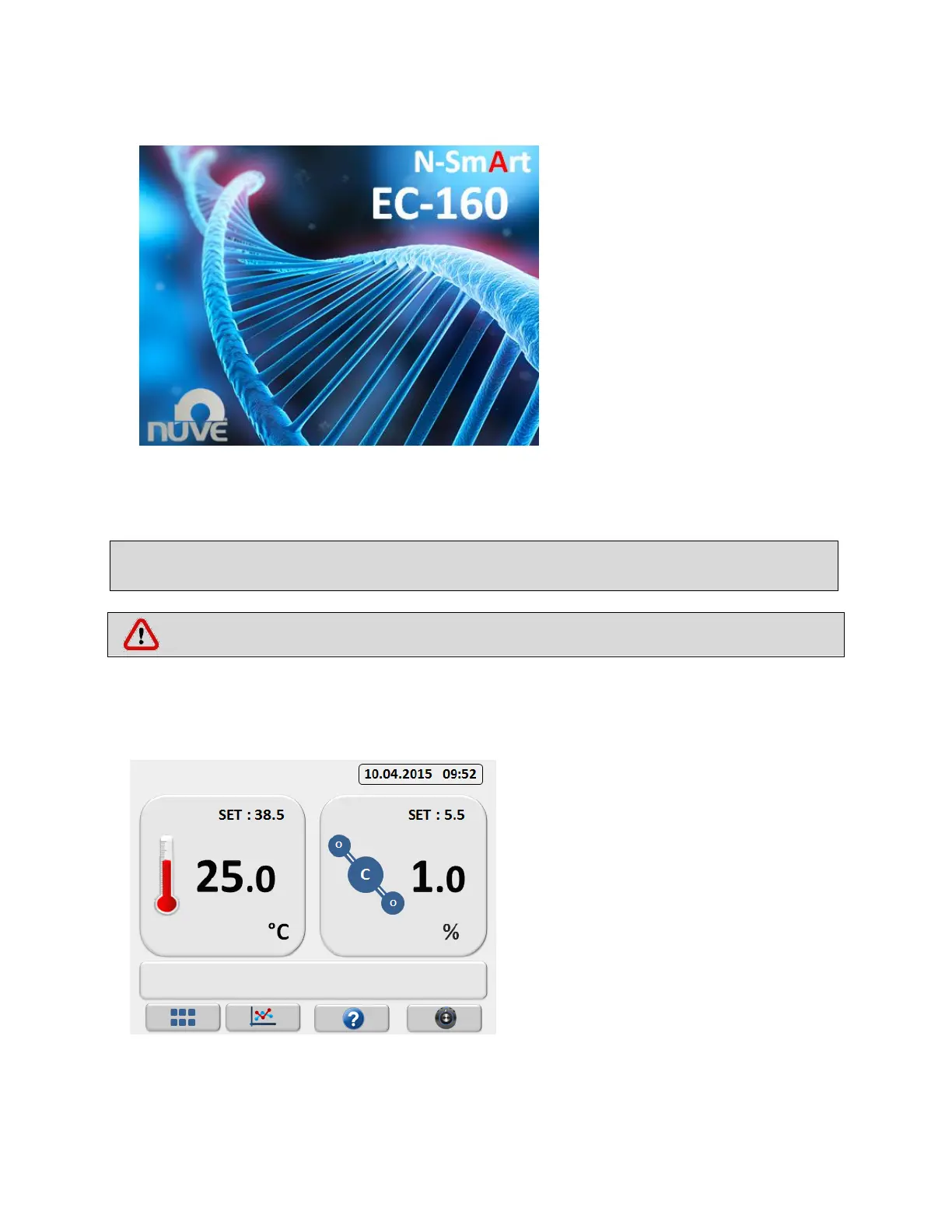
NUVE logo appears on the screen for 1-2
minutes for control process This screen is
displayed until control process is done.
Incubator starts to operate
automatically according to the set
values. On the operating mode
chamber temperature, CO
2
value
and set temperature and CO
2
value
are displayed.



 To Next Page