12
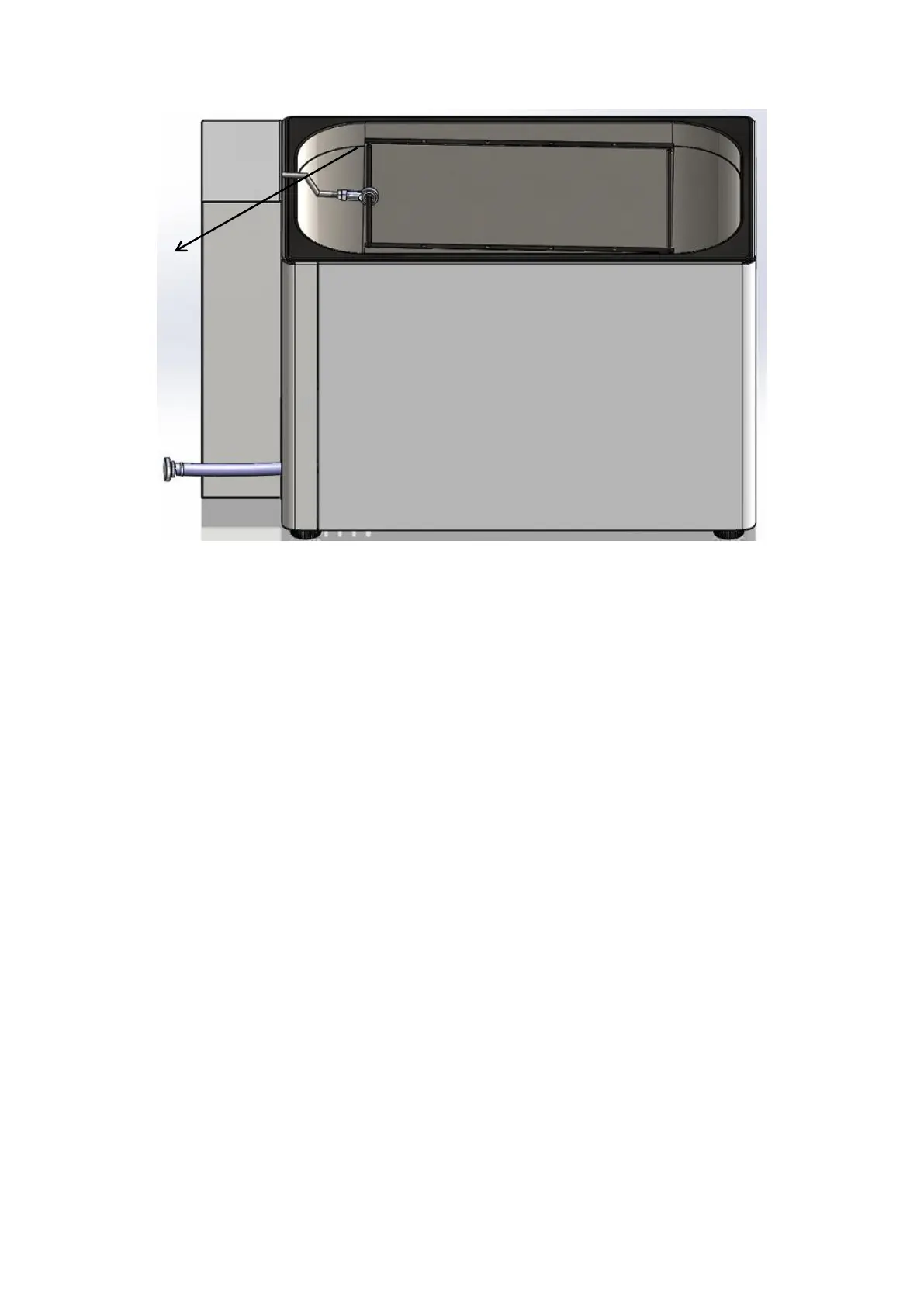
Figure 3
SECTION 6
OPERATING PRINCIPLES
6.1 OPERATING THE UNIT
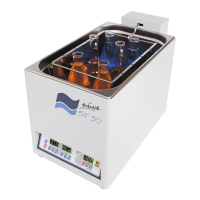
Switch on ST 30 shaking water bath by using the power switch and ensure that the power
switch led is on.
Observe that display and control is activated.
Learn the functions of display and control panel (see. Section 5.7.1).
Set the values and start the operation.
6.2 PROGRAMMING
6.2.1 PREPARATION OF USER SETTINGS
The device has a password protected menu. The password is set to “000” when the device
first starts. Follow the below steps to change the password, update current date / time
information and access the operator's menu where other settings are made.


 To Next Page