14
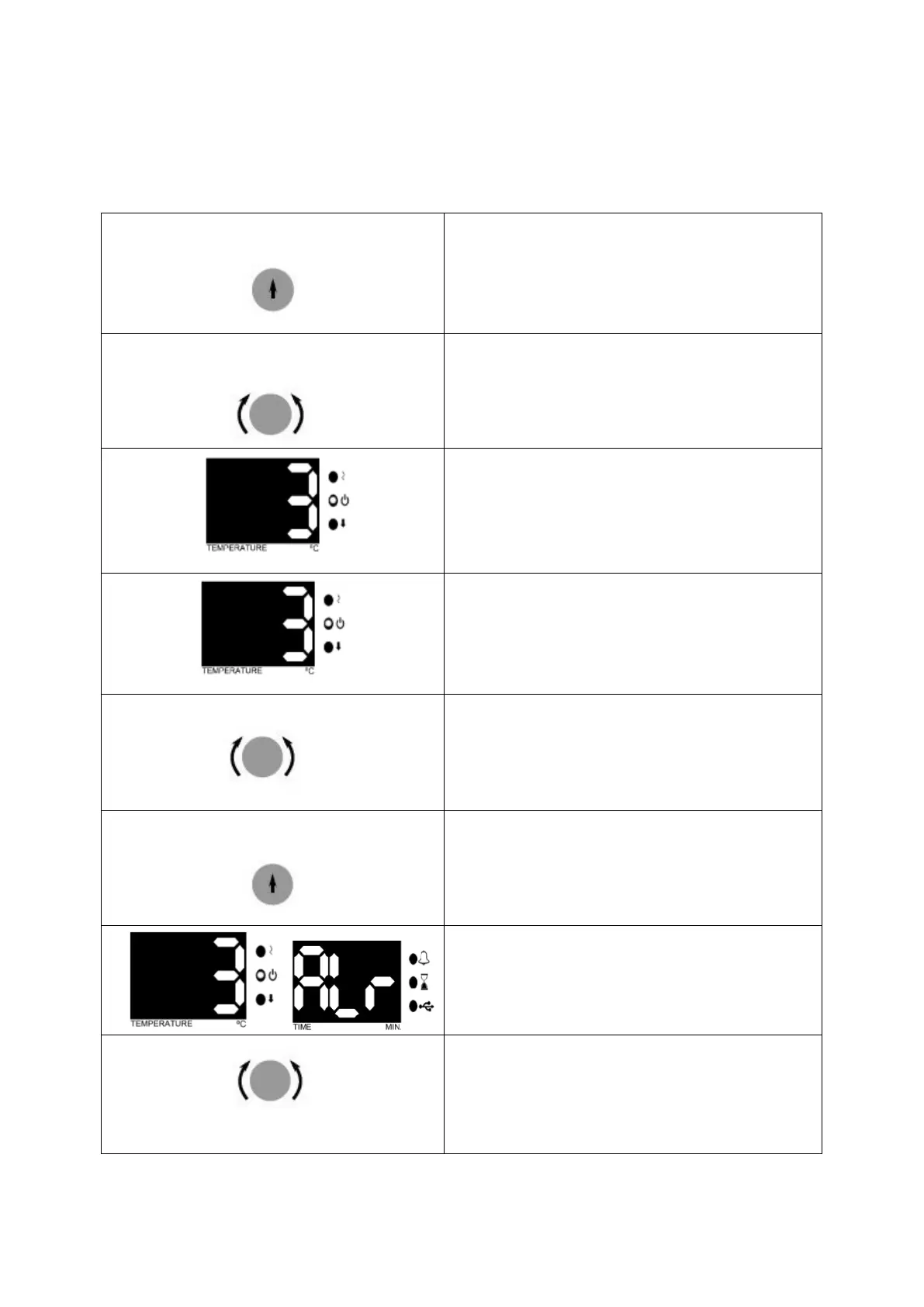
6.3 PROGRAMMING SUMMARY
You can set the steam sterilizer on stand-by. Follow the below steps to set and save the
values.
By pushing the encoder button select SET
menu.
See that second LED flashes in the
temperature display, again push the encoder
button.
See the parameter flashing on the temperature
display.
By turning the encoder button set operating
temperature value.
Push the encoder button and save set value.
See the parameter flashing on the temperature
display.
By turning the encoder button set operating Set
alarm value. If the temperature is out of Set
alarm value, audible and visual alarm will be
activated.


 To Next Page