Nuvoton Nu-Link Debug Adapter User Manual
Oct 24, 2019 - 7 - Revision V1.01
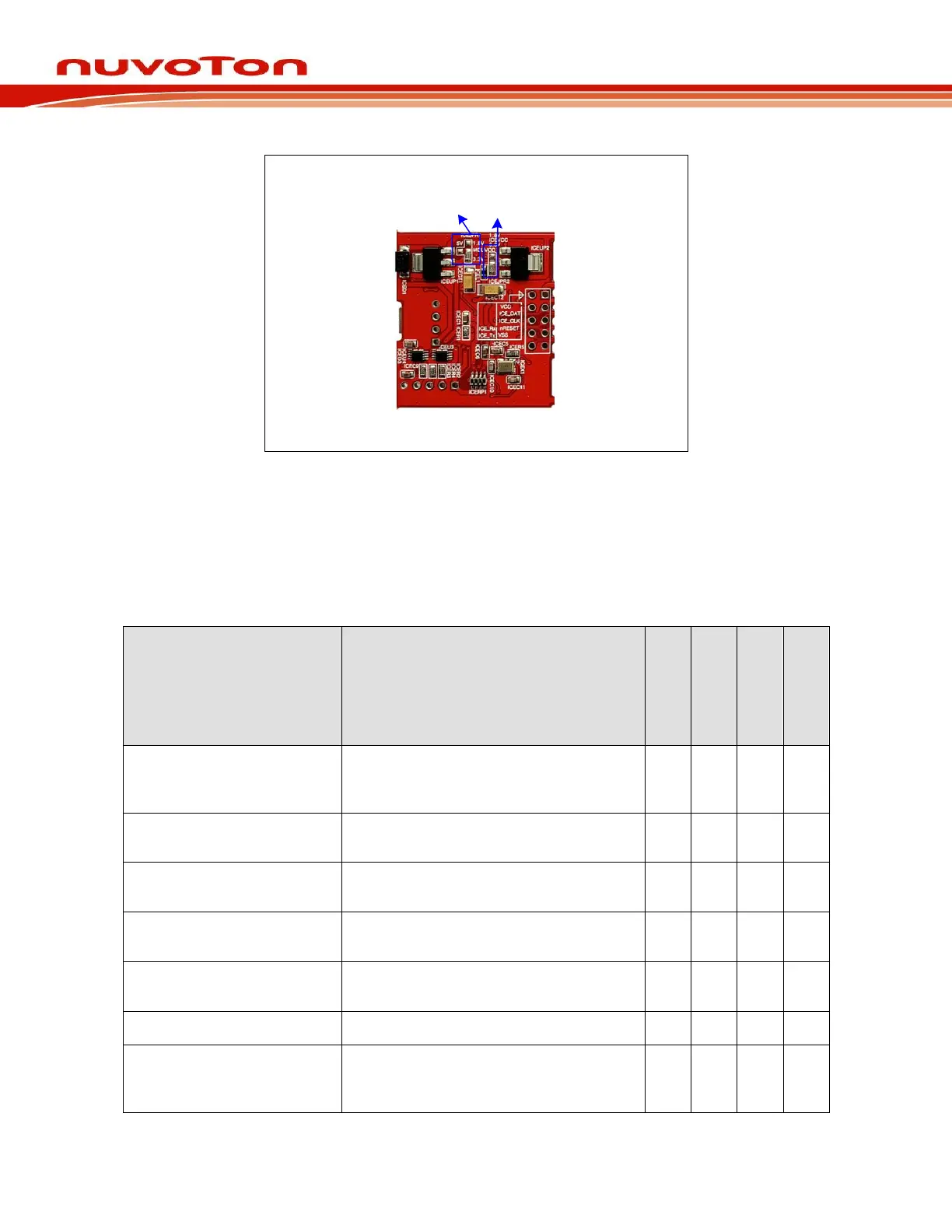
MCUVCC
Power Switch
ICEVCC
Power Switch
Figure 2-5 Rear View of Nu-Link2-Me Configuration
2.5 Nu-Link Adapter Hardware Specifications
The Nu-Link Adapter hardware comparison is shown in Table 2-2.
Table 2-2 Nu-Link Adapter Hardware Comparison
Connected to an USB port of a PC to use
the Nu-Link Adapter or download offline
programming firmware
Connected to the target chip for
debugging and programming
Display the operation status of the Nu-
Link Adapter
Offline Programming Button
Click this button to proceed with offline
programming
Display the power output status of SWD
VCC pins
Display the SWD VCC and I/O voltage
Power switch between the power output
of the Nu-Link-Me power (e.g. between
the SWD VCC and I/O pins)
*
1
Only supported in parts of the version( Support 5V and 3.3V can be adjusted through resistor JPR1).



 To Next Page