21
eAdvantage User Manual (15PL1033 Rev. 7, July 2022)
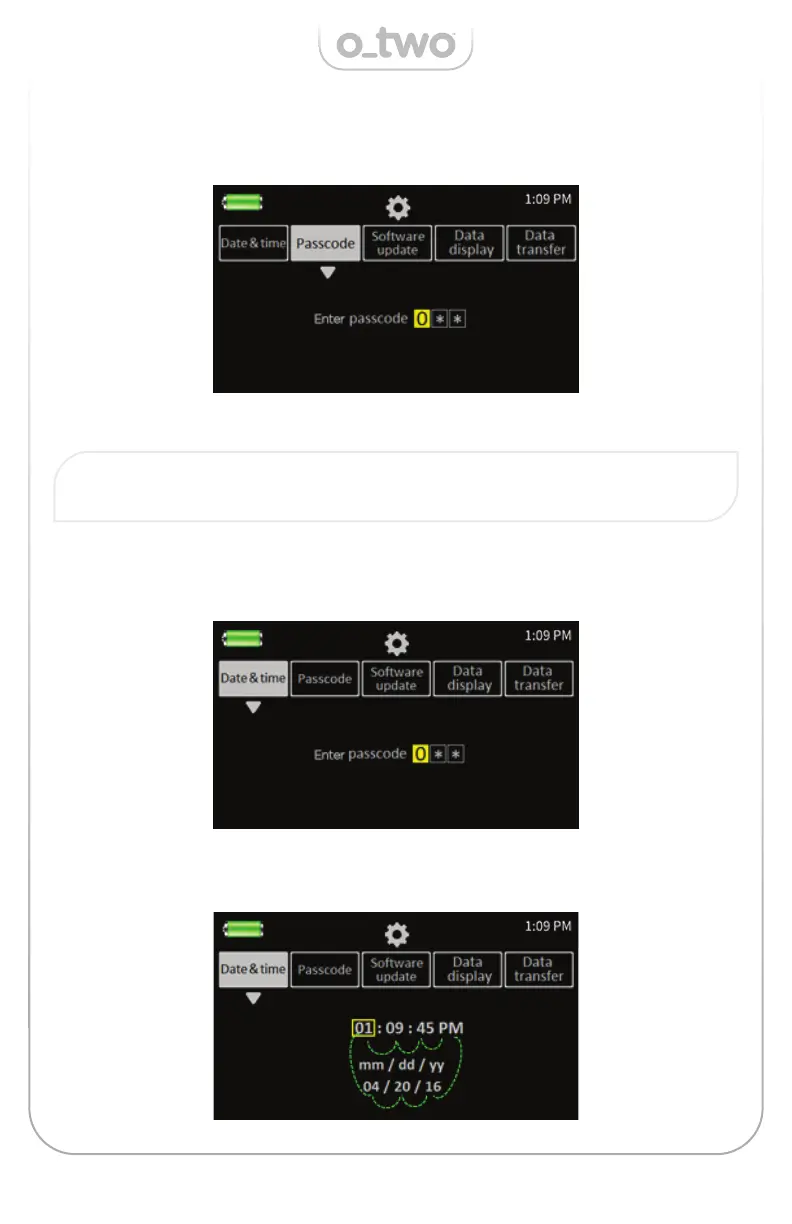
Once confi rmed the related setting information will be displayed
(as shown in the Passcode setting example below):
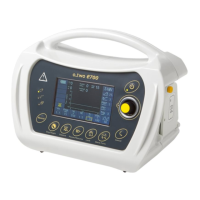
Once the “Date & Time” setting is activated the yellow square frame
appears surrounding the hours setting window as shown below.
follow the instructions below to change the setting parameters.
Note: Pressing the Cancel Key at any time within the setting mode will
move the process back to a previous step until exiting the setting.
5.4.1. Date and Time
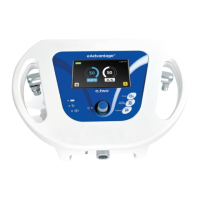
To set the Date & Time, follow the steps detailed in 5.4 above under “Setting
mode” to activate Date & Time cell and do the following:


 To Next Page