8
eAdvantage User Manual (15PL1033 Rev. 7, July 2022)
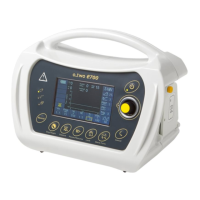
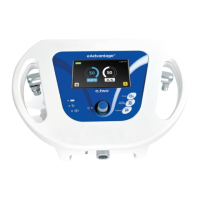
3.4 Control Functions
Control Knob (K):
The Control Knob is used to turn ON the mixer (by depressing it for 1 second)
or turn the mixer OFF (by depressing it for 4 seconds).
It is also used to navigate between the options and settings on the screen,
by rotating it in either direction when needed and for confi rming the setting
selection (by depressing the knob).
Cancel Key (L):
Pressing the Cancel Key will cancel the current selection stage to go back to
the previous stage until the main screen with no selection is reached.
Audio Paused key (M):
The eAdvantage® is equipped with an Audio Paused key to silence the
Audible Alarm for 2 minutes. The Audio paused function will be activated
any time the Audio Paused key is depressed even without an active alarm.
Oxygen Flush key (N):
The eAdvantage® is equipped with the ability to manually deliver a constant
fl ow of 40 L/min of 100% oxygen as long as this key is pressed.
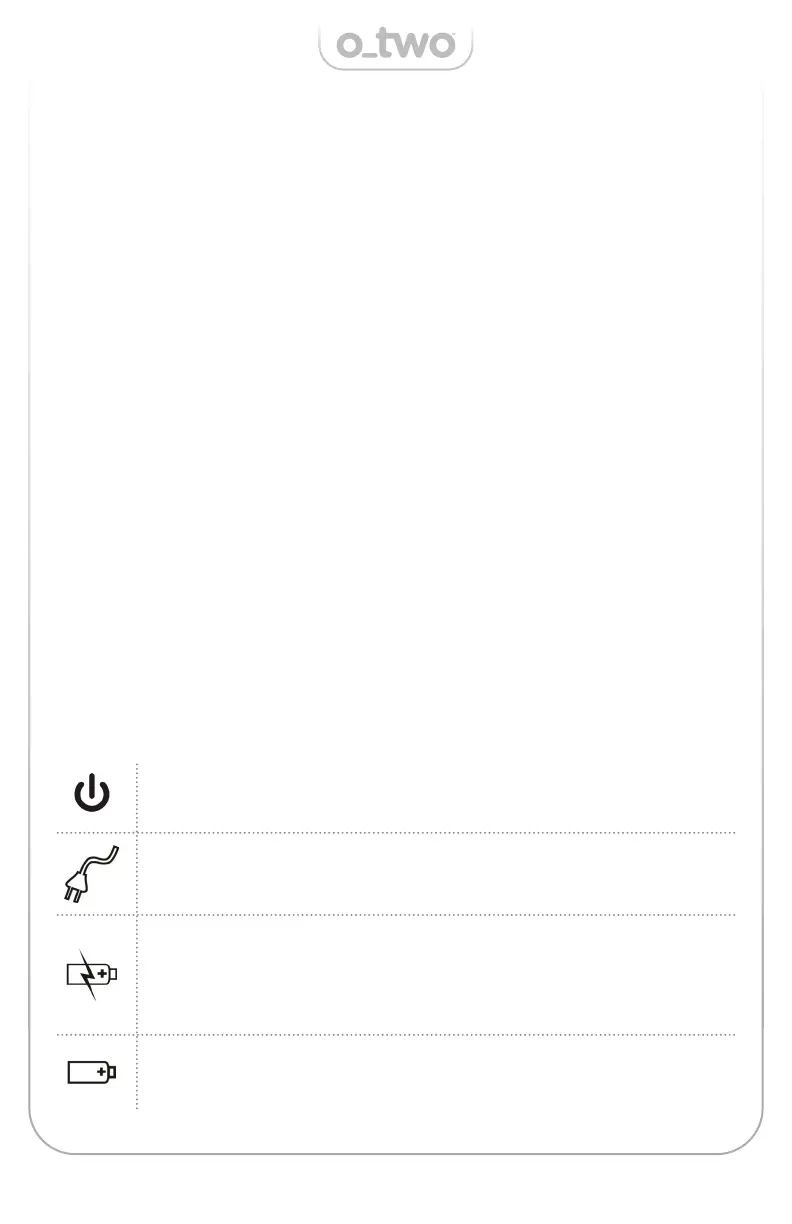
3.5 LED Indicators
Green LED – Continuously illuminated when unit is ON and
fl ashes when unit is OFF.
Green LED – Continuously illuminated when unit is connected
to an external power source during both ON and OFF phases.
Orange LED – Continuously illuminated when unit is charging
and OFF when battery is fully charged during both ON and
OFF phases. During OFF state this light will start fl ashing
when battery capacity drops to around 60%.
Green LED – Continuously illuminated when the unit is
operated using the internal battery.


 To Next Page