10
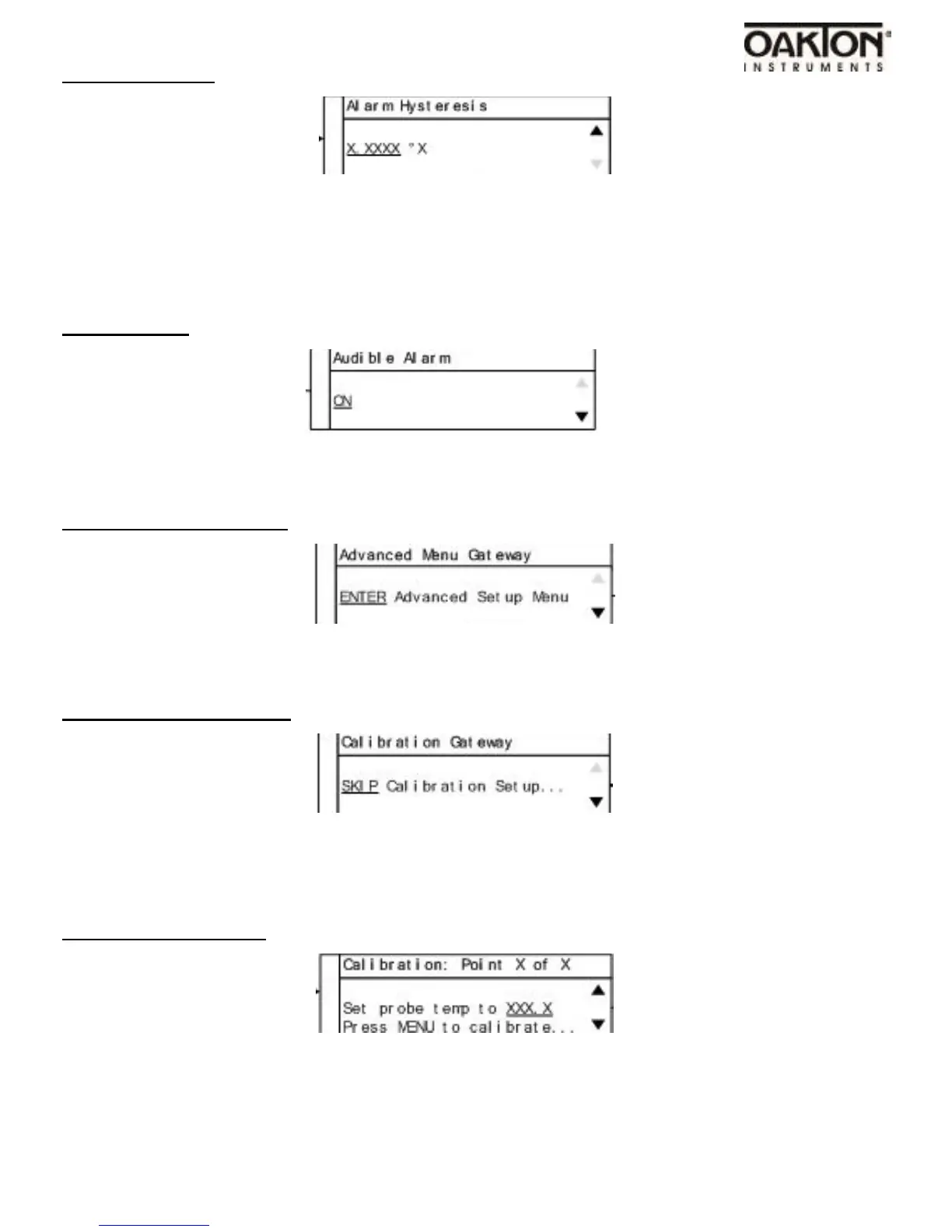
Alarm Hysteresis
•
Use the UP & DOWN arrow keys to adjust value.
•
The user defined value when the alarm will exit an alarm condition. Example: User has a Pro-
cess High alarm programmed with a value of 150°C and has set the Alarm Hysteresis of 1°C.
The alarm has been activated after the temperature reached 160°C. When temperature
reaches 149°C the alarm condition will not be active.
Audible Alarm
•
Use UP & DOWN arrow keys to change value; ON or OFF.
•
Turns the audible alarm on or off.
Advanced Menu Gateway
•
Press the menu key to advance into the advanced setup.
•
Press the DOWN key to exit to the system status screen.
Auto-Calibration Gateway
•
Use DOWN arrow to change to Enter Auto-Calibration Setup. Press the MENU key to enter
•
To skip the Auto-Calibration press the Menu key.
(Skip to Sensor Offset Calibration if calibration isn’t being performed)
Calibration: Step 1 of 6
•
The use of a secondary calibrated temperature device is required for the calibration.
•
Follow instruction on the display for all 6 calibration points.



 To Next Page