12
Control Action
•
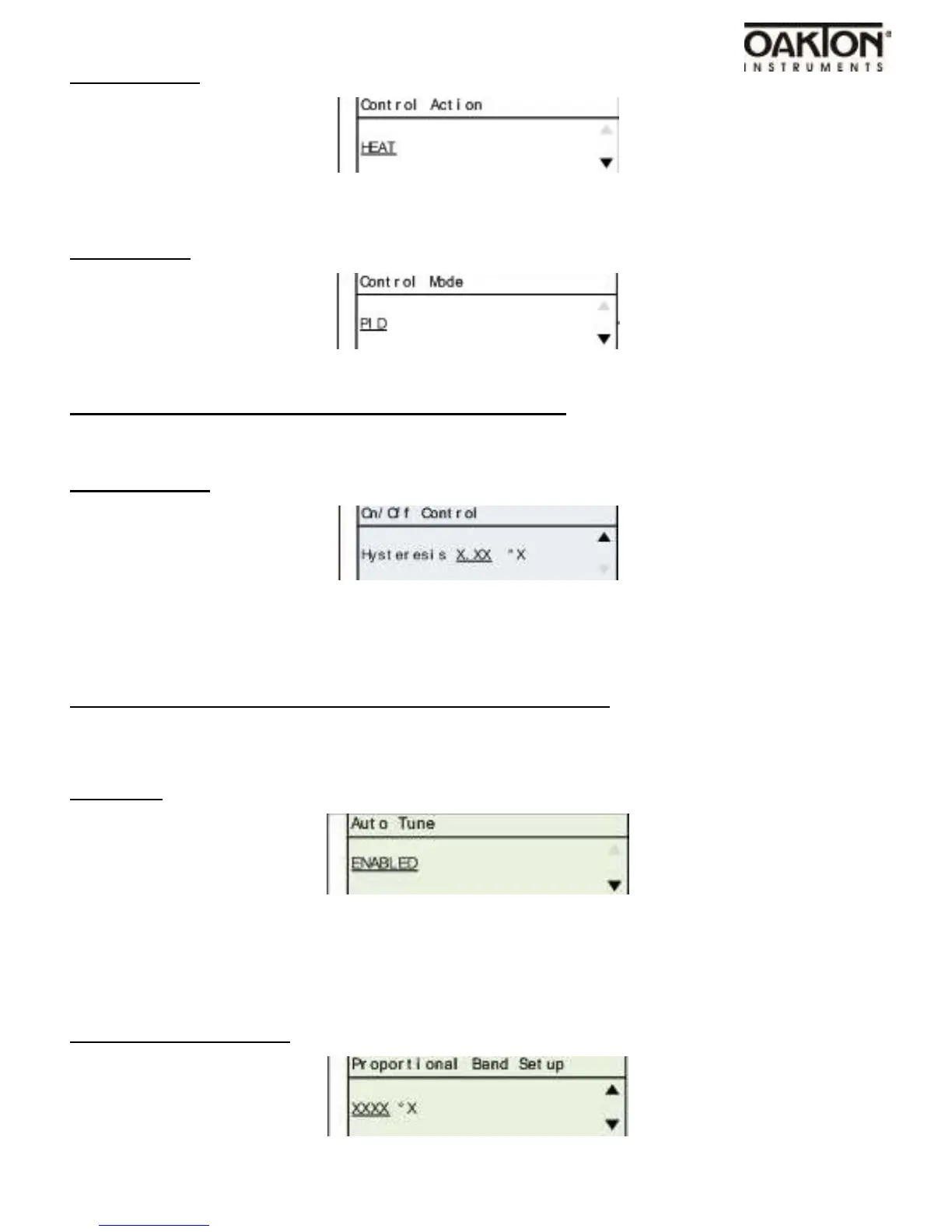
Default setting is Heat. Use DOWN arrow key to change to COOL.
Control Mode
•
Default setting is PID. Use arrow keys to change to ON / OFF.
Skip to PID settings if PID was selected in Control Mode
On / Off Control
•
Use the UP & DOWN arrow keys to adjust value.
•
The ON / OFF hysteresis value tells the control how much above temperature SetPoint and
below temperature SetPoint that the control will apply power to the heater/cooler.
Skip to Cycle Time Setup if Control Mode is set for ON / OFF.
---PID Settings---
Auto Tune
•
Default setting is Enabled.
•
Use arrow keys to change to Disabled
Proportional Band Setup



 To Next Page