11
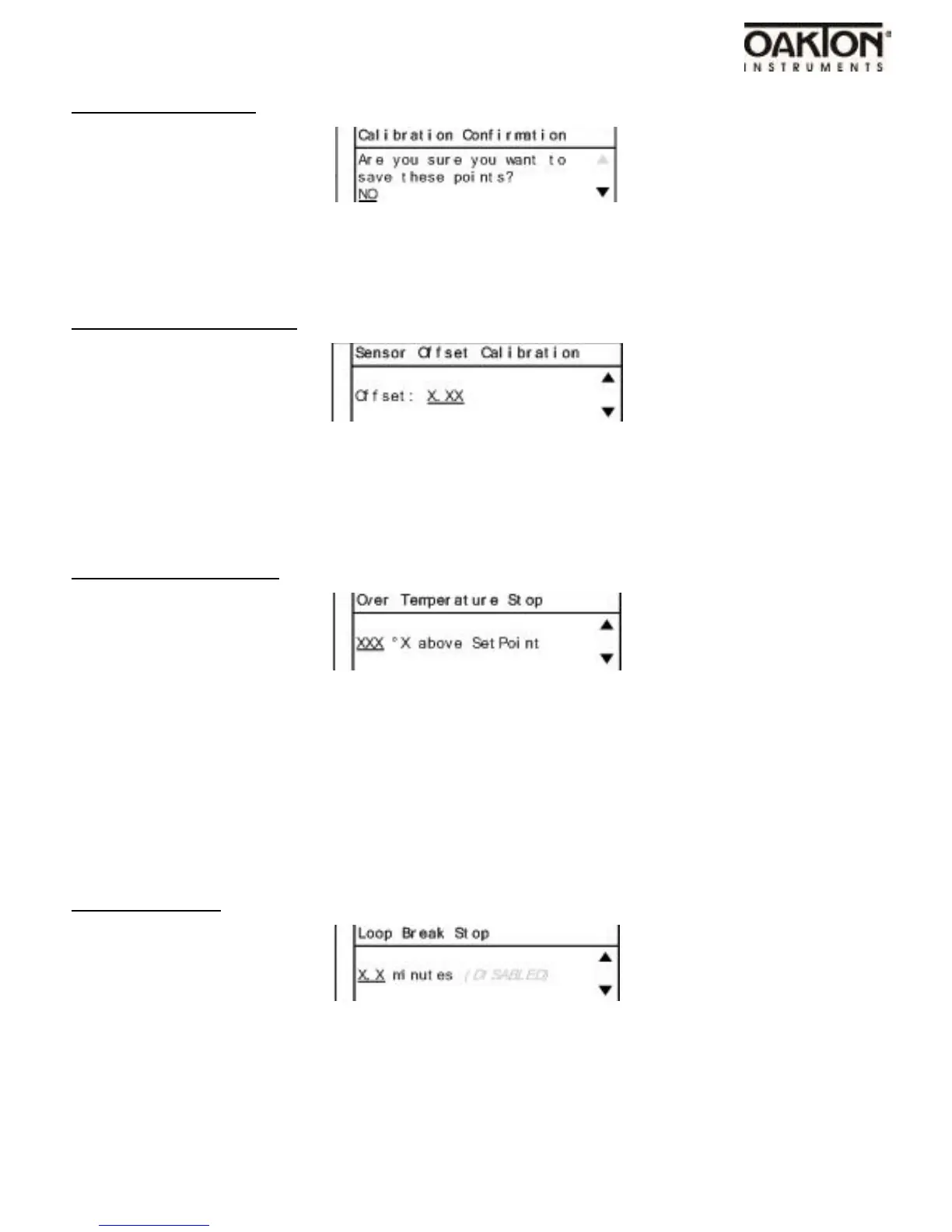
Confirmation Screen
•
The use of a secondary calibrated temperature device is required for the calibration.
•
Use UP and DOWN arrow keys to adjust temperature calibration input value.
•
Follow instructions on the display of the control.
Sensor Offset Calibration
•
Use the UP and DOWN arrow keys to adjust the value.
•
The use of another temperature device is required to figure correct offset needed.
•
Adjusting this value is offsetting the sensor input signal.
Over Temperature Stop
•
Use UP & DOWN arrow keys to adjust value.
•
When sensor temperature goes above this value the output to heater/cooler will be turned off.
•
Warning: Over Temp Stop will appear on display. Press alarm button to clear warning and
return to the main operation screenn
Loop Break Stop
•
Use the UP & DOWN arrow keys to adjust value.



 To Next Page