9
Alarms
•
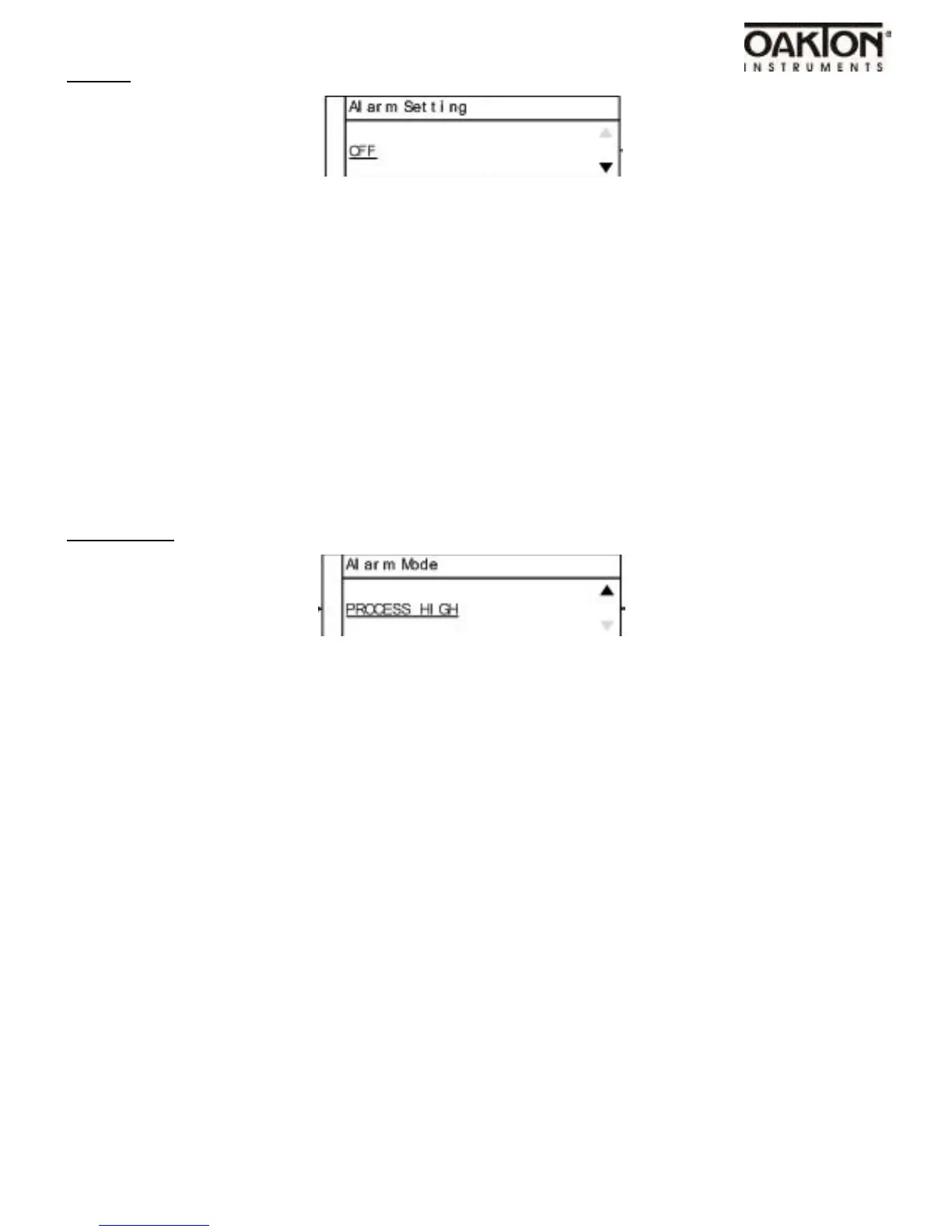
Default mode is off.
•
Use arrow keys to change alarm settings.
•
Available selections: OFF, MANUAL RESET, and AUTO RESET.
•
OFF = NO ALARM
•
MANUAL RESET = User has to reset the alarm condition by pressing the alarm key.
•
AUTO RESET = Control automatically turns alarm off after temperature returns to normal op-
erating conditions.
Alarm Mode
•
Default mode is Process High.
•
Use arrow keys to change alarm mode setting.
•
Available selections: Process High, Process Low, and Process High / Low.
•
Process High: The alarm will be activated if the temperature rises above the user set alarm
value.
•
Process Low: The alarm will be activated if the process value goes below the user set alarm
value.
•
Process High / Low: The alarm will be activated if the temperature goes above or below a high
and low temperature set by user.



 To Next Page