5
ALARM Button
In an ALARM situation, the display will display either “WARNING” or “ERROR” with corresponding
warning or error. A “WARNING” will not stop the control process. An “ERROR” will stop the control
process.
MANUAL RESET mode: Pressing ALARM once will silence the audible alarm and clear the on-
screen alarm message. If the alarm situation is present the “Alarm/Action Display” will remain illu-
minated. The alarm and on-screen message will not clear automatically, even if the system is no
longer in an alarm situation.
AUTO RESET mode: Pressing the ALARM once will silence the audible alarm and clear the on-
screen alarm message. If the alarm situation is still present, the “Alarm/Action Display” will remain
illuminated. If the system leaves and alarm situation, the system will automatically silence the
alarm and clear the on-screen alarm message.
SELECT Button
Pressing SELECT once will allow you to cycle through user-configurable control Set Points. The
Set Point selected will be underlined. Set Points may be changed by using the UP and DOWN
arrow keys.
MENU Button
The MENU button provides access to all user-configurable setup parameters of the Temperature
Controller. Pressing this key once will scroll through parameter options. Pressing and holding this
key will exit to the home screen, saving any changes made up to that point.
UP, DOWN, LEFT Arrow Buttons
The UP and DOWN arrow buttons will increase or decrease the value of the Set Point selected
(underlined). Pressing the UP or DOWN arrow keys will increase or decrease numerical entries by
the least significant digit (i.e. 00.0 to 00.1, 1 to 2). Pressing and holding UP or DOWN arrow keys
will increase or decrease numerical entries using an acceleration factor. For every ten units, the
rate of acceleration will increase by a factor of ten, starting from the least significant digit as shown
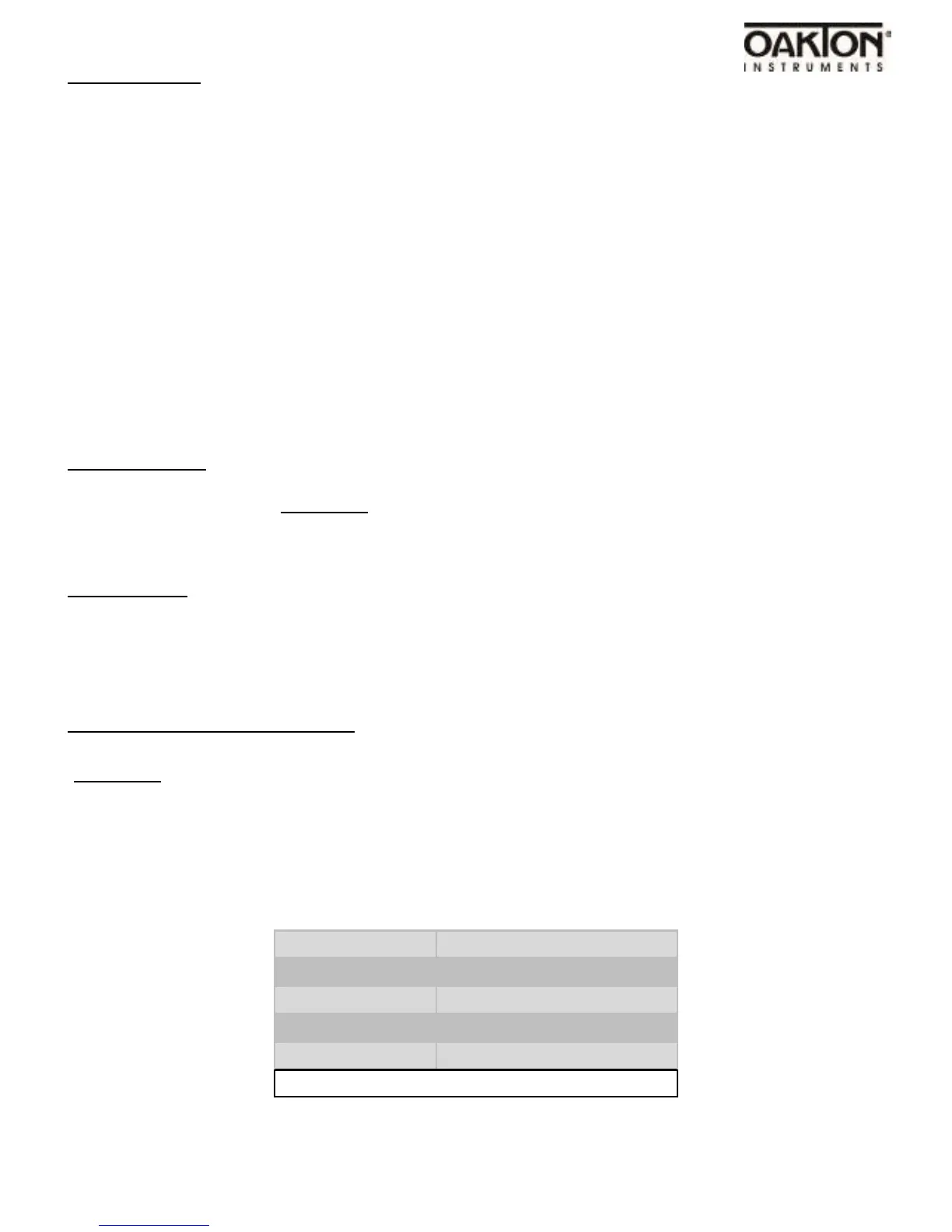
in the table below
Numbers
Increase/Decrease by
0.0 – 0.9
0.1
0 – 9
1
10 – 100
10
100 – 1000
50
Table 1. Acceleration Factor Table



 To Next Page