41
TEO-5 User’s Guide
Effects
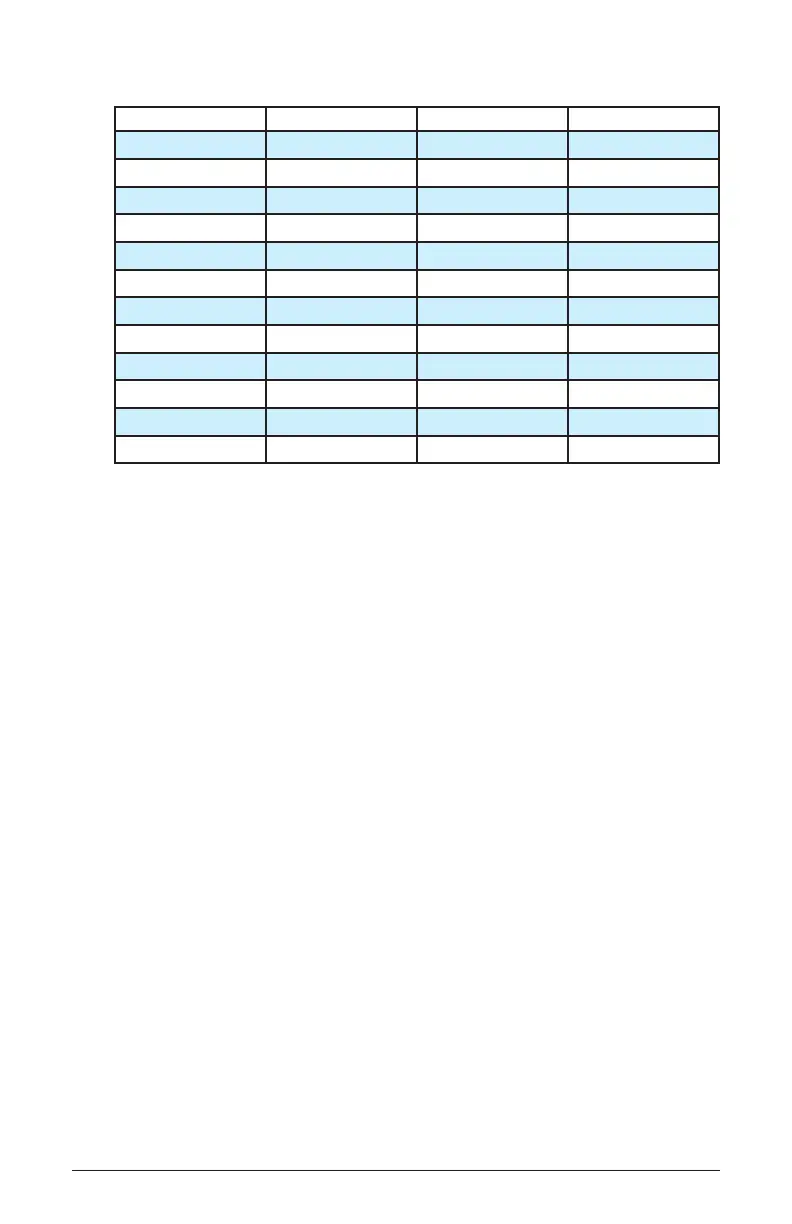
EFFECT TIME KNOB DEPTH/MIX KNOB FBACK/MISC KNOB
Stereo Delay Time Mix Feedback
BBD Time Mix Feedback
Tape Delay 1 Time Mix Feedback
Tape Delay 2 Time Mix Feedback
Chorus Rate Depth LPF Cutoff
Flanger Rate Depth Feedback
Phaser Rate Depth Feedback
High-pass Filter Frequency Mix Resonance
Distortion Gain Output Level Tone
Ring Modulation Pitch/Carrier Freq Mix Pitch Track On/Off
Rotating Speaker Speed Drive Mic Distance
Lo-Fi Frequency Wow & Flutter Amt Drive
To add an Effect:
1. Press the effect on/off button to turn it on.
2. Turn the type knob to select an effect. The effect name is shown in the
lower right of the main display. Names are abbreviated. For instance
“bbd” is the bucket-brigade delay. Refer to the previous list.
3. Turn the depth/mix knob clockwise to blend in the processed signal.
4. Use the time and feedback/misc knobs to adjust effect parameters. Refer to
the chart to see which parameters each of these knobs control
To add Reverb:
1. Press the reverb on/off button to turn it on.
2. Turn the mix knob clockwise to blend in the processed signal.
3. Use the decay knob to adjust the length of the reverb tail.
4. Use the pre-delay knob to adjust the pre-delay.
5. Use the tone knob to shape the frequency content of the reverb. The tone
parameter uses both high-pass and low-pass ltering to sculpt the reverb’s
sound.
6. Use the size knob to adjust the size of the virtual hall.



 To Next Page