43
TEO-5 User’s Guide
Arpeggiator
Arpeggiator
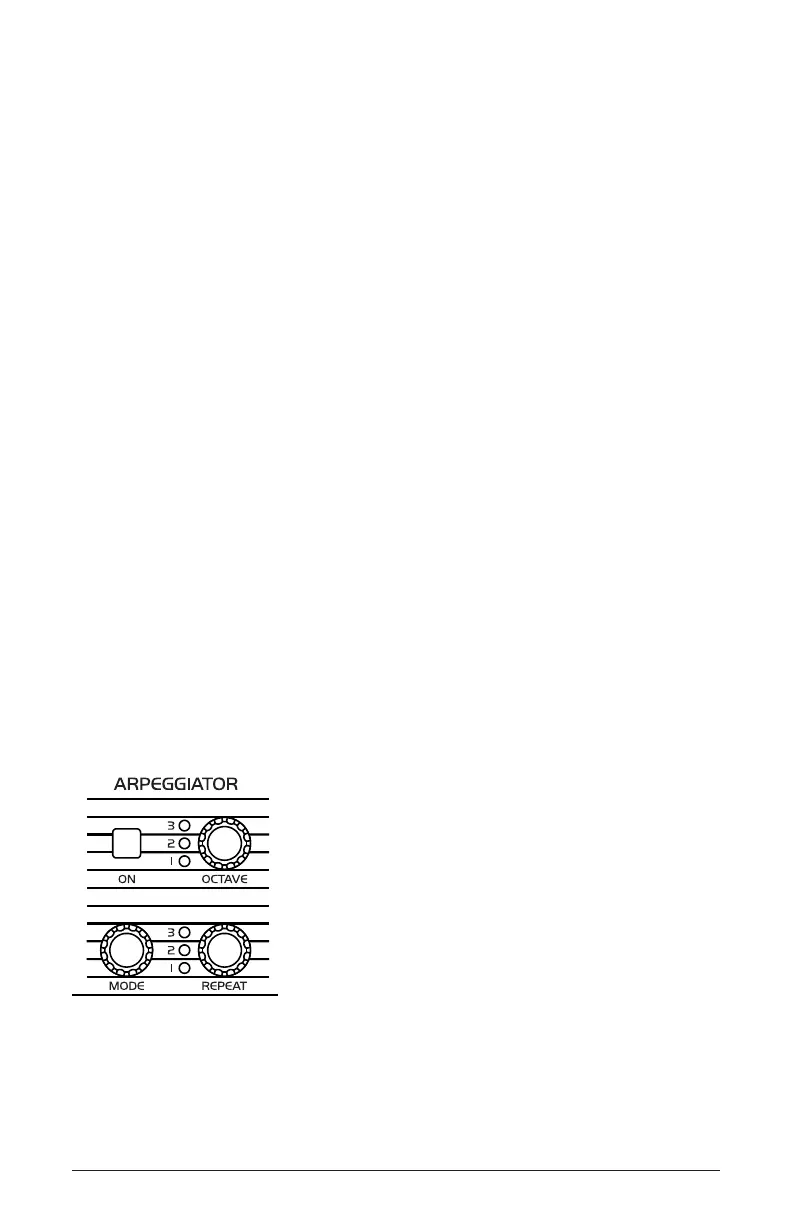
The Arpeggiator allows you to hold a chord and the synthesizer will play
a pattern based on the individual notes held. You can adjust the playback
mode (up, down, up+down, random, assign), the octave range (1, 2, 3),
the number of repeats per note (1, 2, 3), and the tempo. The Arpeggiator
usually works best on sounds with a fast attack.
While you hold down a key, pressing any additional notes will add those
notes to the arpeggio. You can change chords and notes and the arpeggio
will latch and change along with them.
You can also use the hold feature with the Arpeggiator. When you enable
hold, you can release the notes on the keyboard and the arpeggio will
continue to play. A new arpeggio will be started each time you change
notes.
To allow the Arpeggiator to add new notes to an arpeggio when keys
are continuously held, and to continue to play those notes (and any new
notes) when hold is used, turn arp relatch off in the Program menu. To
do this, press the program button and use the select knob to scroll to the
arp relatch parameter. Use the value knob to set it to off.
Set the tempo of the Arpeggiator with the tap tempo or bpm and divide
controls. To use tap tempo, tap this button 4 times to set the tempo. You
can also sync the Arpeggiator to external MIDI clock.
The Arpeggiator



 To Next Page