54
Pitch and Mod Wheels
Oberheim
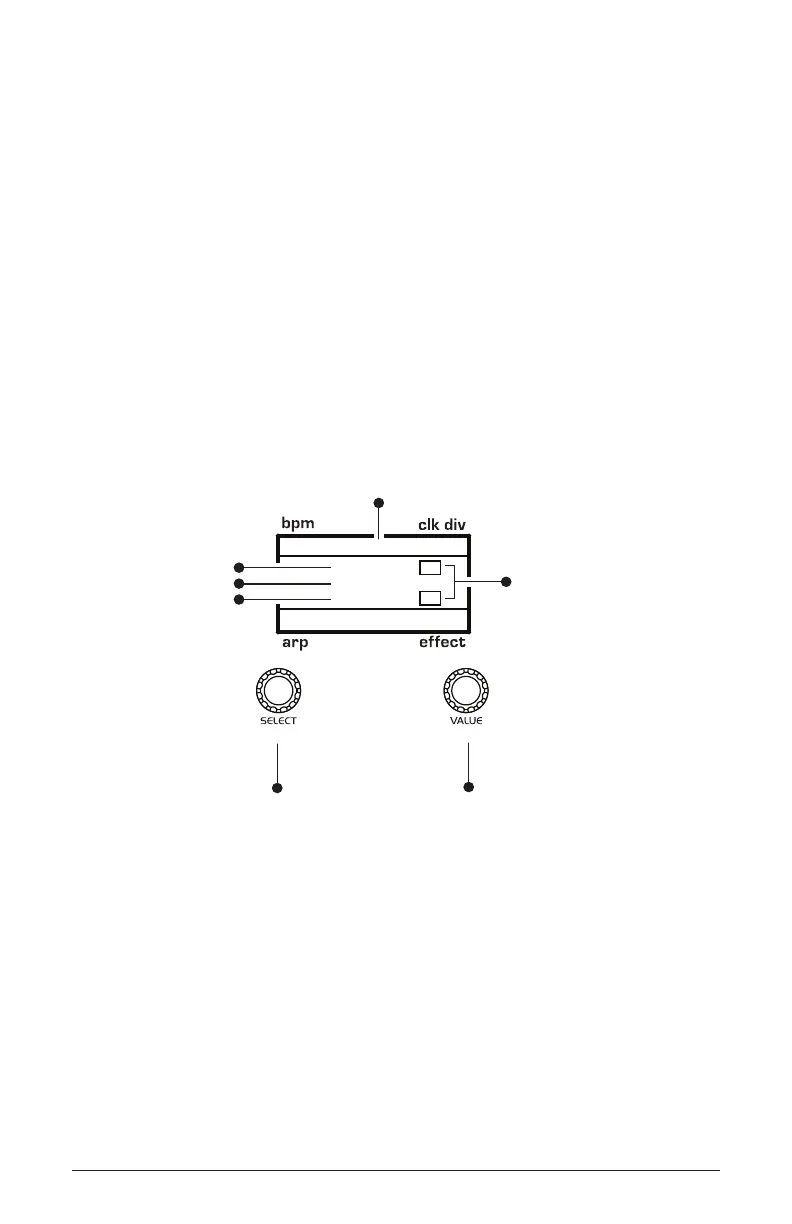
To choose a modulation destination for the Mod wheel:
1. In the modulation section, press the assign button. Use the select knob
to scroll to Mod Slot 1 if it’s not already displayed.
2. Use the value knob to scroll through the various mod sources and
choose mod wheel.
3. Use the value knob to to scroll through the various mod destinations
and choose a parameter (such as overdrive).
4. Hold down a note on the keyboard (or press the hold button and play a
note on the keyboard) and turn the Mod wheel.
5. Use the value knob to set the modulation amount to your preference.
Higher amount settings add greater modulation the further you push
the Mod wheel. A negative amount setting will apply modulation in the
negative direction.
120 MOD 1
ModWheel
45
Overdrive
1/16
M
BBDUp+Down
M
Indicates whether
a mod source/destination
is mono (M) or poly (P)
Indicates mod slot number
amount
source
destination
Use this knob to
scroll through
mod slots and
source/amount/destination
Use this knob to
set the mod source
mod amount
mod destination
Using the Mod Matrix to assign the Mod Wheel



 To Next Page