56
Pitch and Mod Wheels
Oberheim
The TEO-5 provides eight different aftertouch/pressure response set-
tings. The default setting provides a linear response. To choose a differ-
ent response curve, use the aftertouch curve parameter in the global
menu.
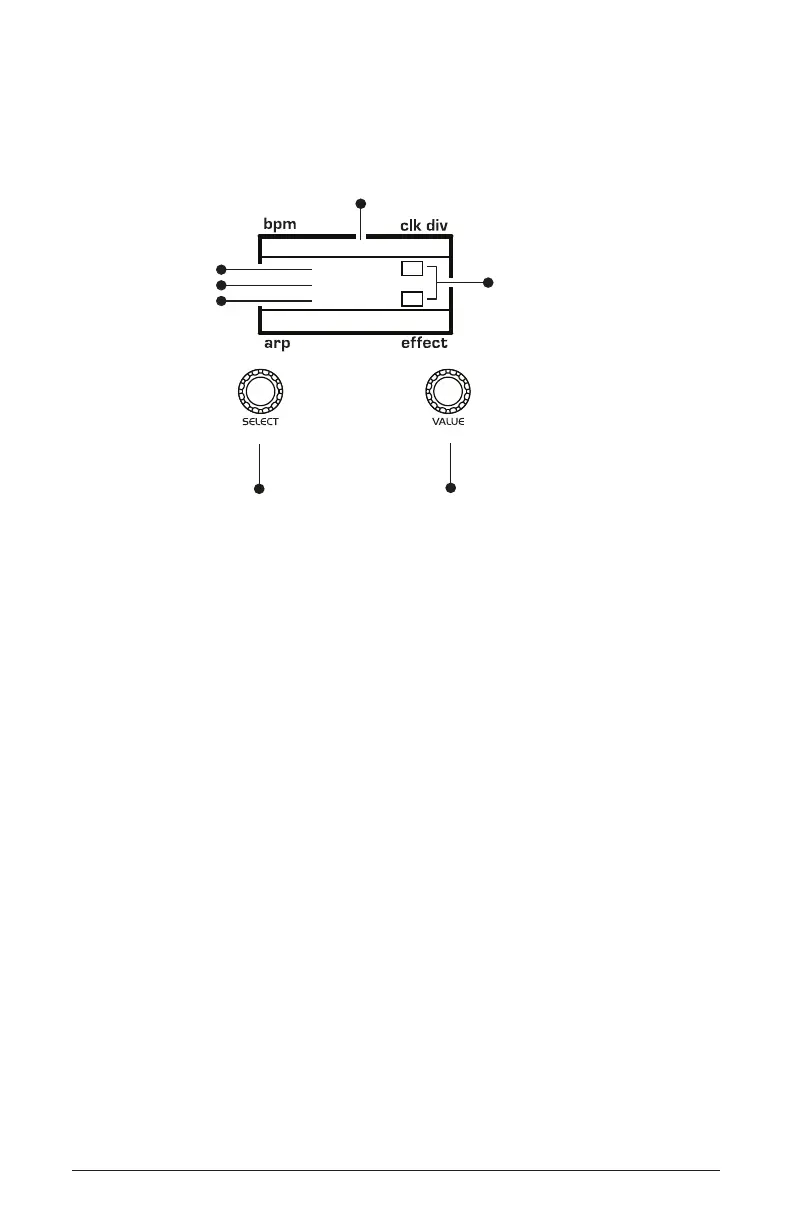
120 MOD 1 1/16
M
BBDUp+Down
M
Indicates whether
a mod source/destination
is mono (M) or poly (P)
Indicates mod slot number
Use this knob to
scroll through
mod slots and
source/amount/destination
Use this knob to
set the mod source
mod amount
Pressure
45
Cutoff
amount
source
destination
Using the Mod Matrix to assign the pressure (aftertouch)



 To Next Page