14 Océ 7055/7056 User Manual
3
Press the operating mode button to toggle between synchro cut mode and
standard mode. Synchro cut mode is selected by default.
■
In synchro cut mode, the copy is cut at the length of the original.
■
In standard mode, the copy is cut at a standard length. You select the standard
length with the selection buttons. For an overview of the possible standard
lengths, refer .
4
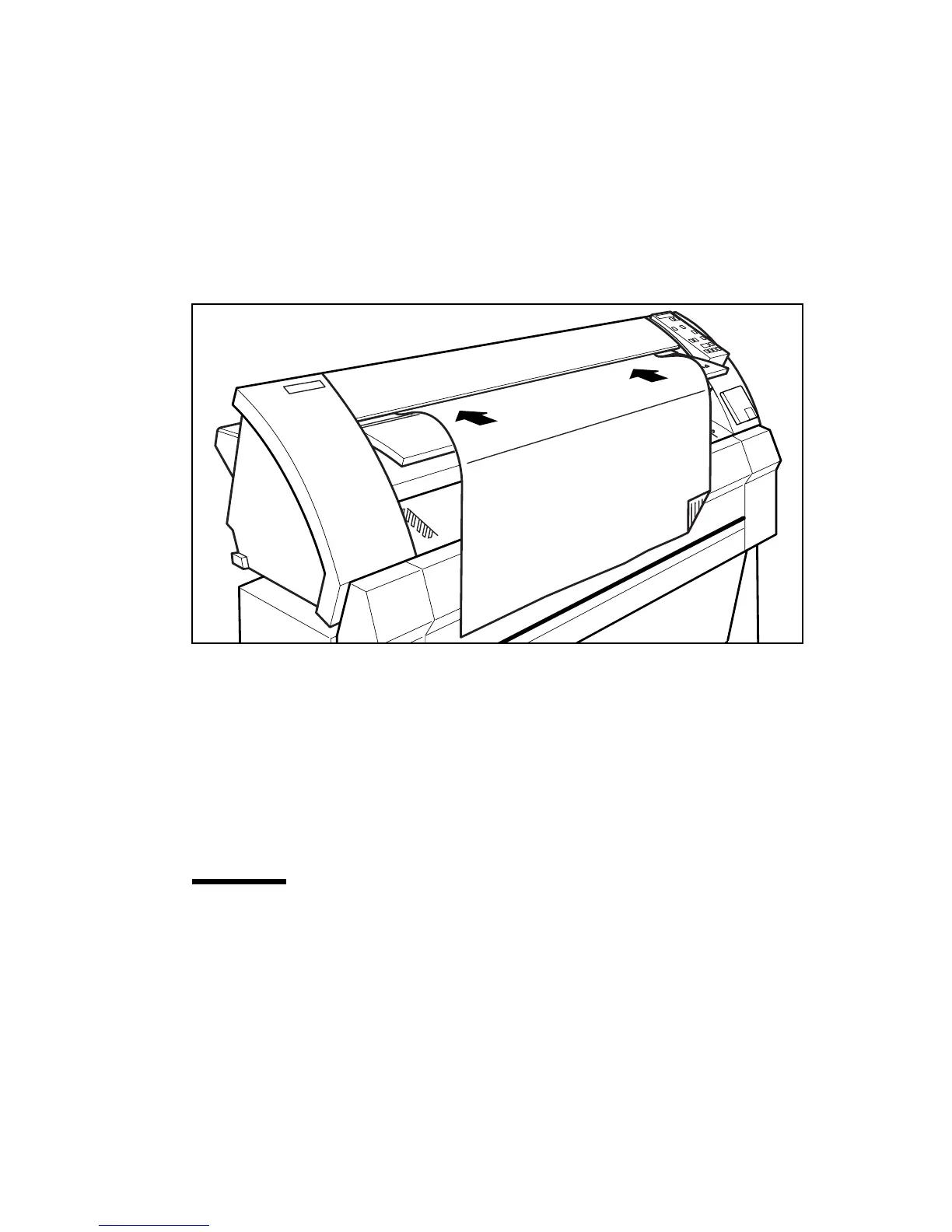
Feed the original centrally and face down into the original feed table in
accordance with the guidelines see figure 3.
[3] Feeding an original
Note:
The original is aligned in the nip of the rollers. By inserting the material
with an amount of slack, the leading edge is aligned in the nip. A delay between
insertion of the material and the start of the transport ensures proper
alignment.
The original is transported to the rear of the machine.
Attention:
Strongly curled originals have to be fed in carefully. In certain
circumstances the copier can pull the original in.
Note:
Minimum length that the machine can cut is 420 mm.



 To Next Page