22 Océ 7055/7056 User Manual
Making a test strip
In some cases you want to check the exposure settings and the quality without
wasting a complete copy. If this is the case, you can make a test strip. A small
part of the original is copied on a strip. This test strip is cut the minimum length
of 420 mm.
▼
▼▼
▼
Making a test strip
1
Press the operating mode button and select the standard operating mode. The
symbols in the display and next to the standard operating mode indicator
light up.
2
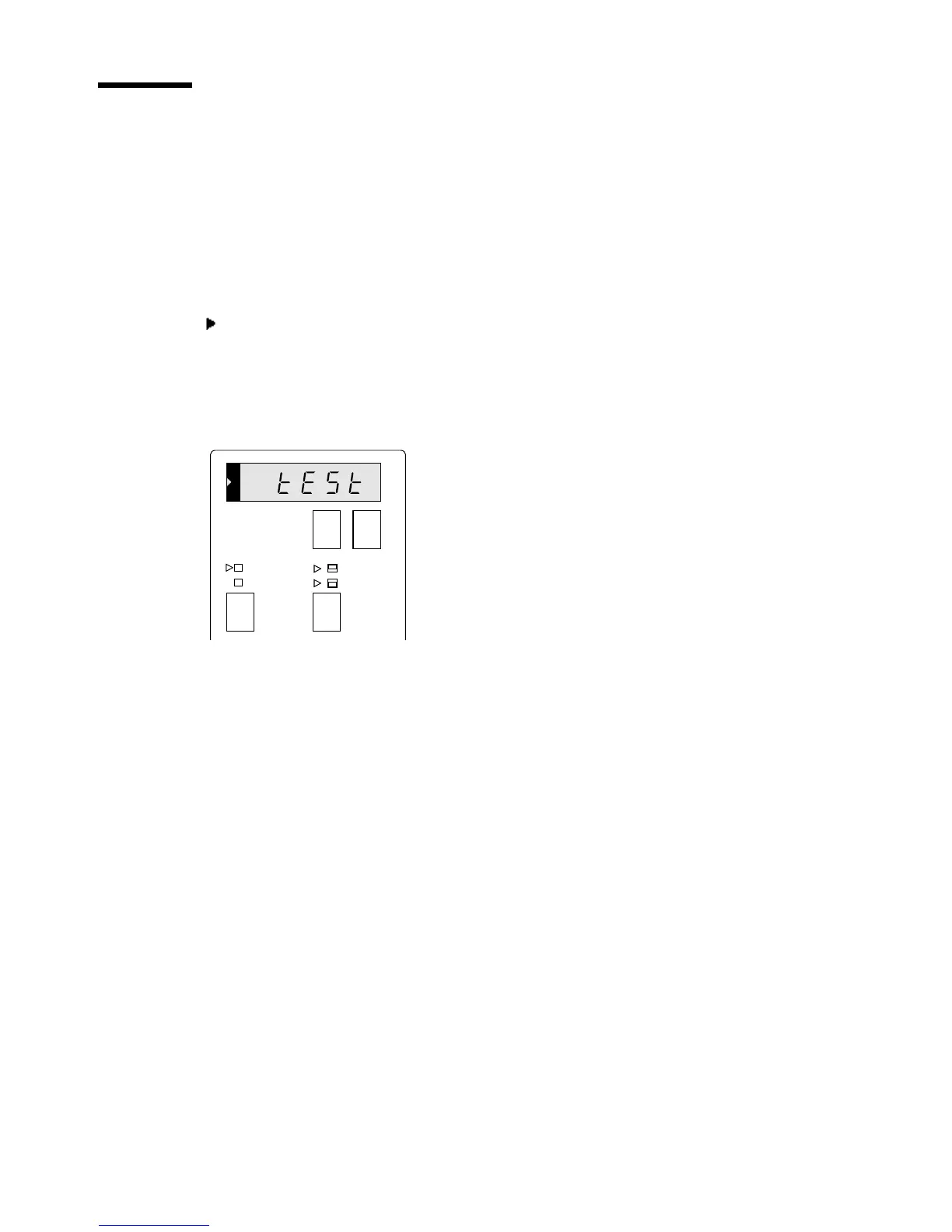
Press the selection buttons until the display shows ‘tESt’.
[10] Trailing edge buttons
3
Press the start button.
The test strip is copied and cut.
+-
synchro cut
standard
trailing
edge
leading
edge



 To Next Page