Copy jobs 21
▼
▼▼
▼
Adjusting the edge
1
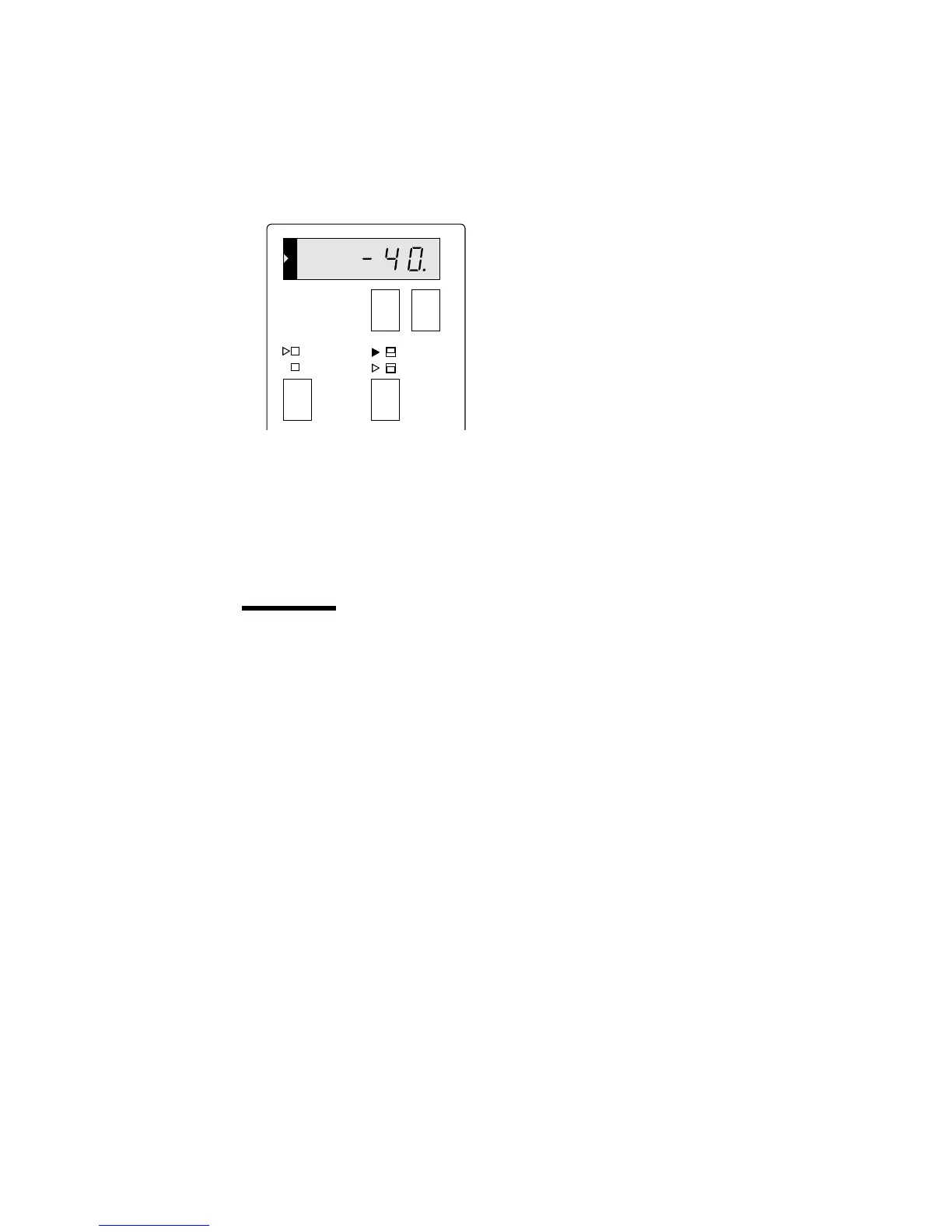
Press the edge selection button to toggle between leading edge and trailing
edge (see figure 9 for an example).
The length display shows the length of the currently selected edge.
[9] Trailing edge buttons
2
Press the edge adjustment buttons to change the size of the edge. Pressing the
‘-’ button decreases the size of the edge. Pressing the ‘+’ button increases the
edge.
Attention:
Be aware that decreasing the edges too much may result in a loss
of information.
+-
synchro cut
standard
trailing
edge
leading
edge



 To Next Page