24 Océ 7055/7056 User Manual
Inserting a new copy material roll
If the paper path indicator flashes and the display shows error message E5, then
you have to insert a new copy material roll.
▼
▼▼
▼
Inserting a new material roll in the drawer section (roll 1)
1
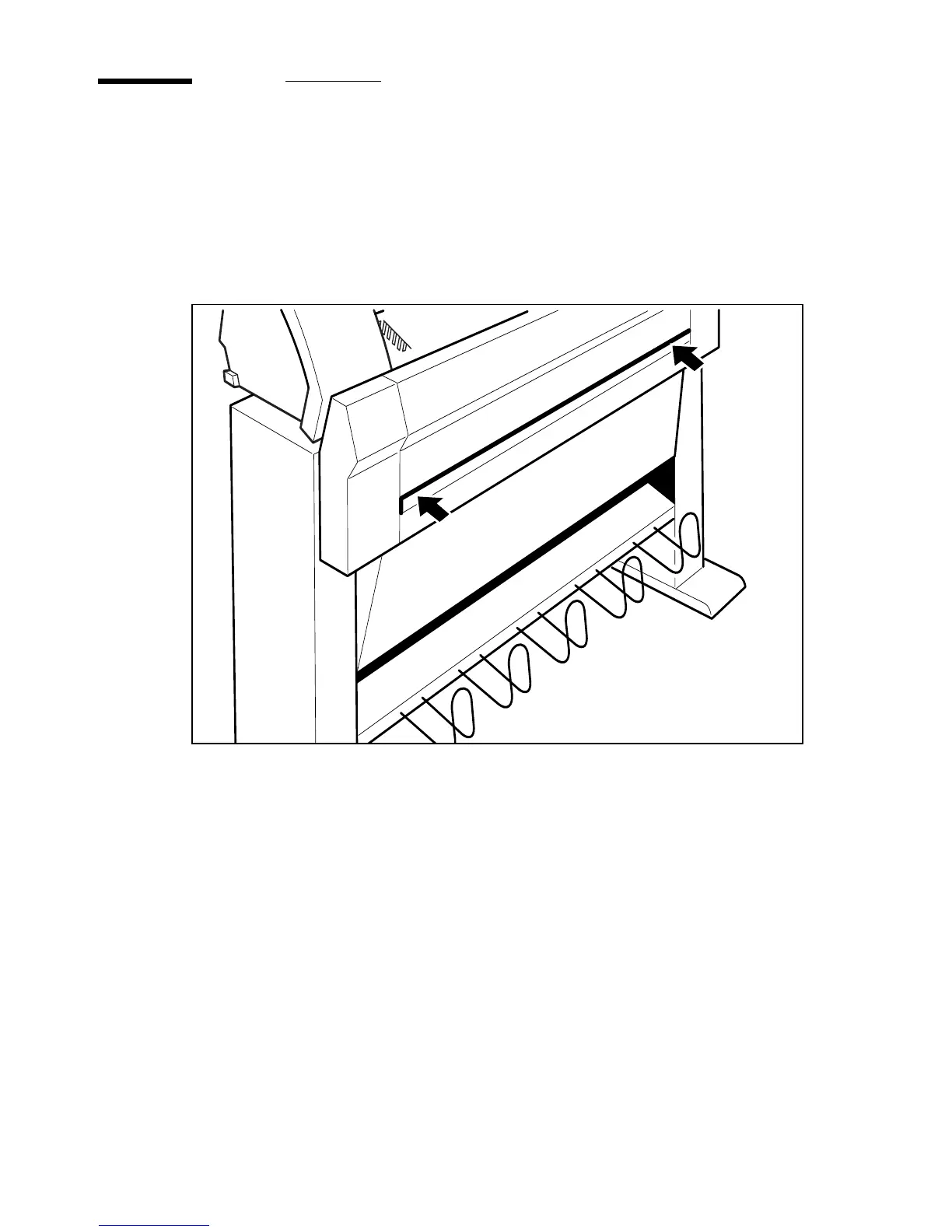
Pull the drawer section open by using the two catches. (see figure 11)
[11] Opening the drawer section
2488



 To Next Page