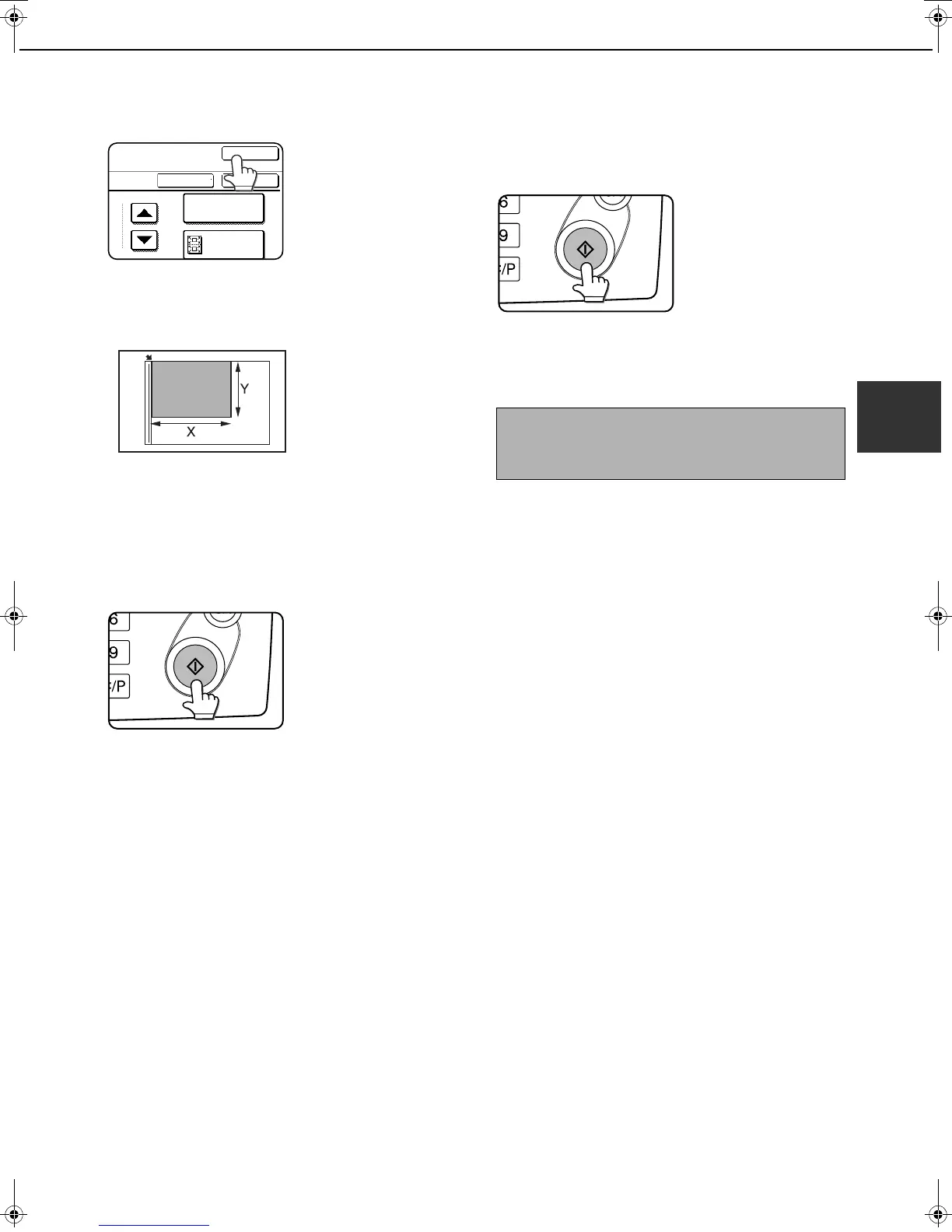
FAXING THE FRONT AND BACK SIDES OF A CARD ON ONE SHEET OF PAPER (CARD SHOT)
3-9
3
4
Touch the outer [OK] key.
You will return to the
screen of step 1 and a
card shot icon will
appear next to the
[EXPOSURE] key.
5
Place the original on the document glass.
Place the front side of
the original face down
and close the document
cover.
6
Follow steps 4 through 7 of "BASIC
PROCEDURE FOR SENDING FAXES"
(pages 2-2 to 2-3 ).
7
Press the [START] key.
The front side of the card
is scanned.
8
Place the back side of the original face
down on the document glass. (see step 5)
9
Press the [START] key.
The back side of the
card is scanned.
10
Touch the [READ-END] key.
A beep will sound to inform you that the
transmission was stored.
SIZE RESET
CANCEL OK
OK
FIT TO
SEND PAGE
NOTE
To cancel card shot...
Press the [CA] key.
Tiger2_fax_sec.book 9 ページ 2004年12月15日 水曜日 午前11時4分



 To Next Page