6
4. OTHER CHANGES
When using the fax function on the im4512/im3512, make the following substitutions in the Facsimile Operation
Manual.
Page Changes Location in Facsimile Operation Manual When using the im4512/im3512
0-1
"INTRODUCTION"
Network Scanning Operation Manual Operation Manual For Image Send
Functions
1-4
" " in the "Condition
settings screen"
Use this key when the network scanner
option is installed to switch between the
"E-MAIL/FTP" and "INTERNET FAX"
screens
Use this key when the network scanner
option is installed to switch between the
"SCAN" and "INTERNET FAX" screens
2-2, 2-6
2-7
Step 1
8-4
"Default display settings"
● [E-MAIL/FTP] (when the network
scanner option is installed)
● [INTERNET-FAX] (when the network
scanner option is installed)
● [SCAN] (when the network scanner
option is installed)
● [INTERNET-FAX] (when the Internet
fax option is installed)
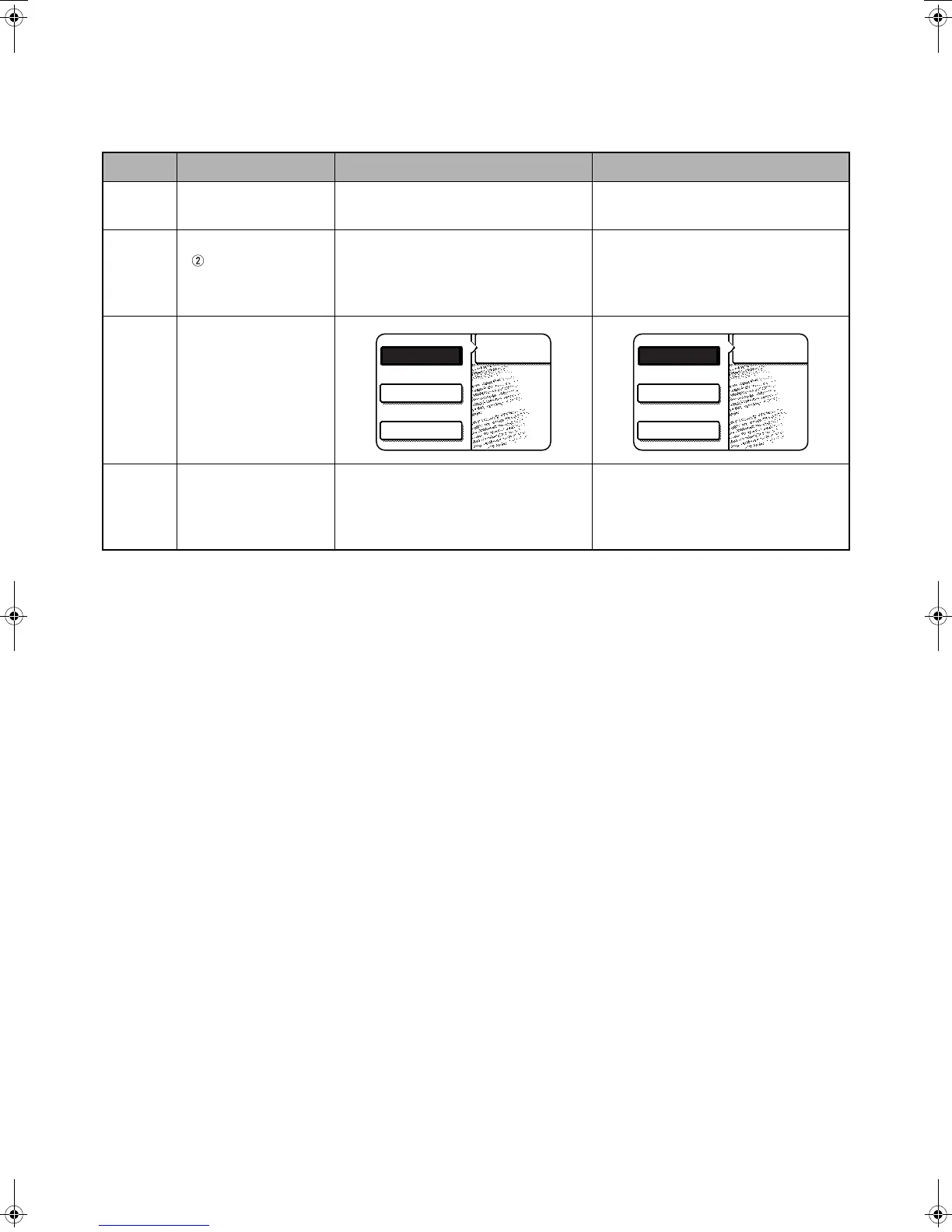
FAX
E-MAIL/FTP
MODE SWITCH
INTERNET FAX
FAX
SCAN
MODE SWITCH
INTERNET FAX
Jupiter2_IGI_Fax_Sheet(ZB3500590).fm 6 ページ 2007年7月4日 水曜日 午前8時14分



 To Next Page