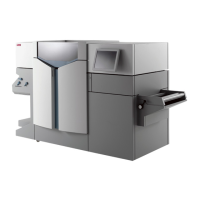
Load rolls of media
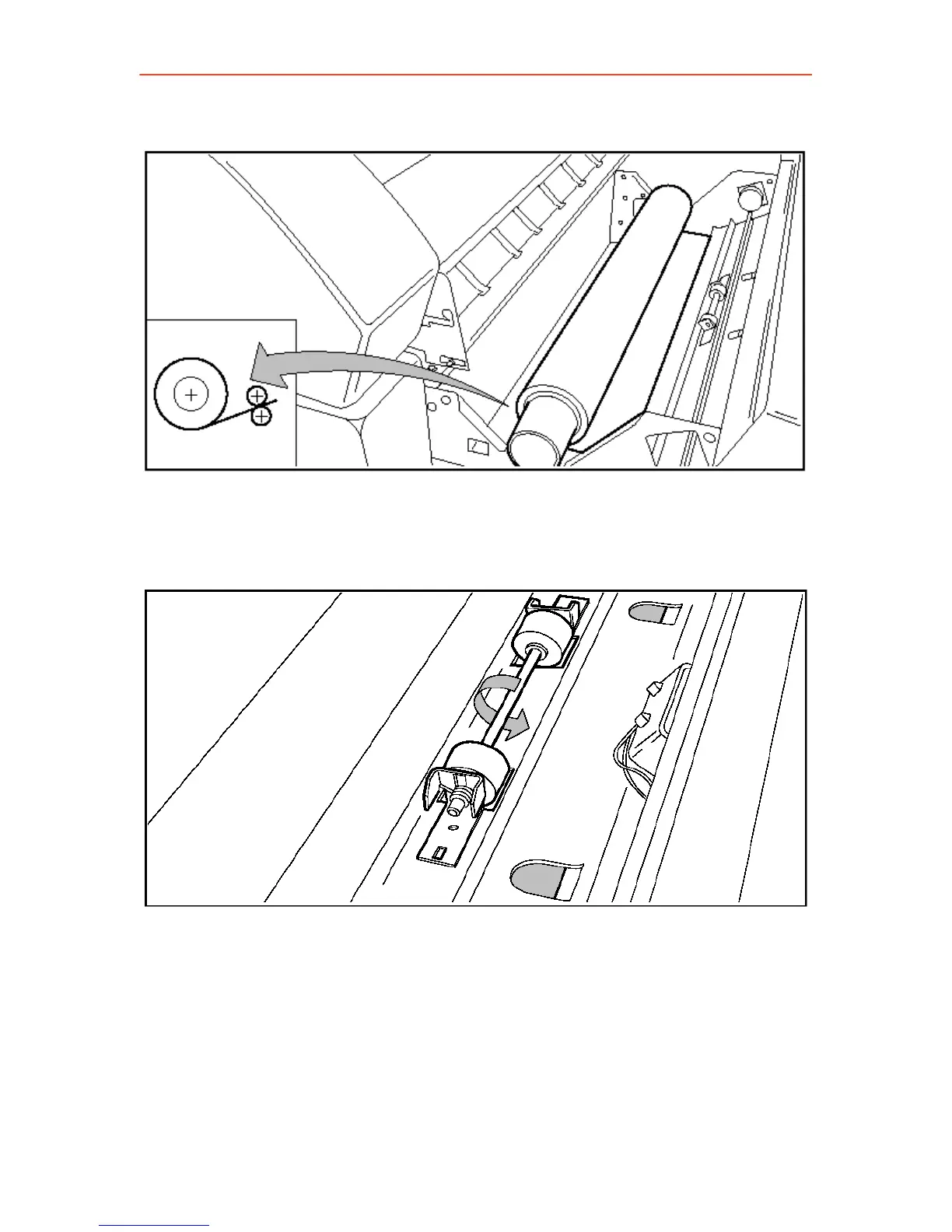
5. Place the roll holder with the material in the drawer.
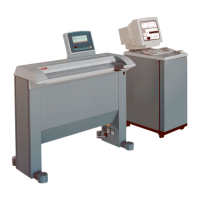
6. Feed the material between the input guide plates against the rollers.
7. Turn the rollers until the material is visible. Also refer to the sticker
inside the drawer.
8. If you have inserted a roll with another material or with a different
width, you have to program the correct width and material type.
9. Close the drawer.
10. Switch the printer on-line with the On-line key.
16



 To Next Page