VL3622c/VL2822c/VL2222c 8-39
8.14 Configuring Copy Security Settings
8
8.14 Configuring Copy Security Settings
Configure settings to use the copy guard and password copy functions.
Using the copy guard function enables you to print a copy guard (text with copy inhibit information embed-
ded) on a document. If an attempt is made to copy a document with a copy guard printed, a warning message
is displayed to disable copying.
Using the password copy function enables you to embed a password in a document. If an attempt is made
to copy a document with a password embedded, the system will prompt you to enter the password. Copying
cannot be performed unless the correct password is entered.
Reference
- To use the copy guard and password copy functions, install the optional Security Kit SC-507 in this
machine.
- For details on the copy guard and password copy functions, refer to the [User's Guide Copy Opera-
tions].
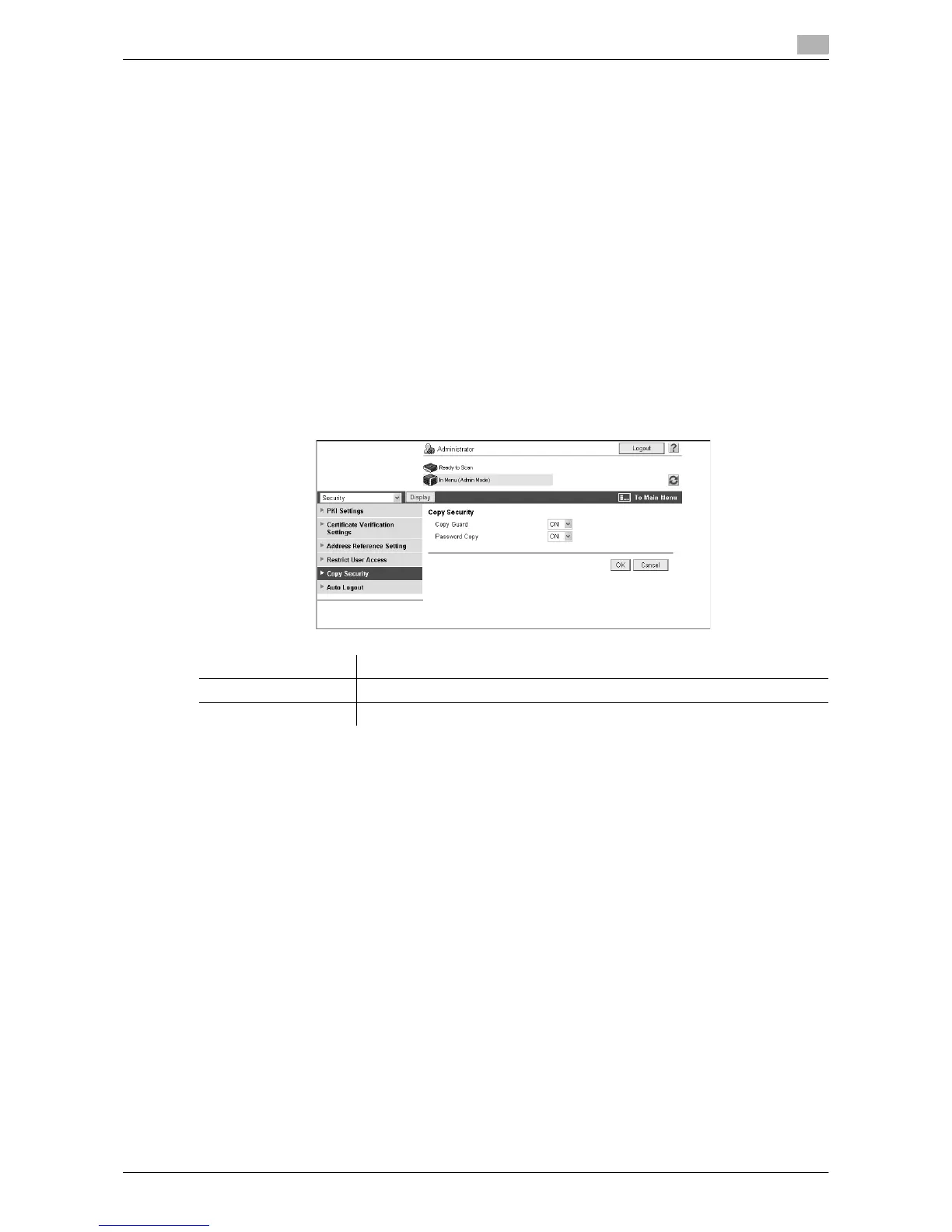
[Copy Security]
In the administrator mode of Web Connection, select [Security]ö[Copy Security].
(If the optional Security Kit SC-507 is not installed, this menu item will not be displayed. )
Item Description
[Copy Guard] Select [ON] to use the copy guard function.
[Password Copy] Select [ON] to use the password copy function.



 To Next Page