Configuring Settings for PBX Connection
14
14-16 VL3622c/VL2822c/VL2222c
14.6
14.6 Configuring Settings for PBX Connection
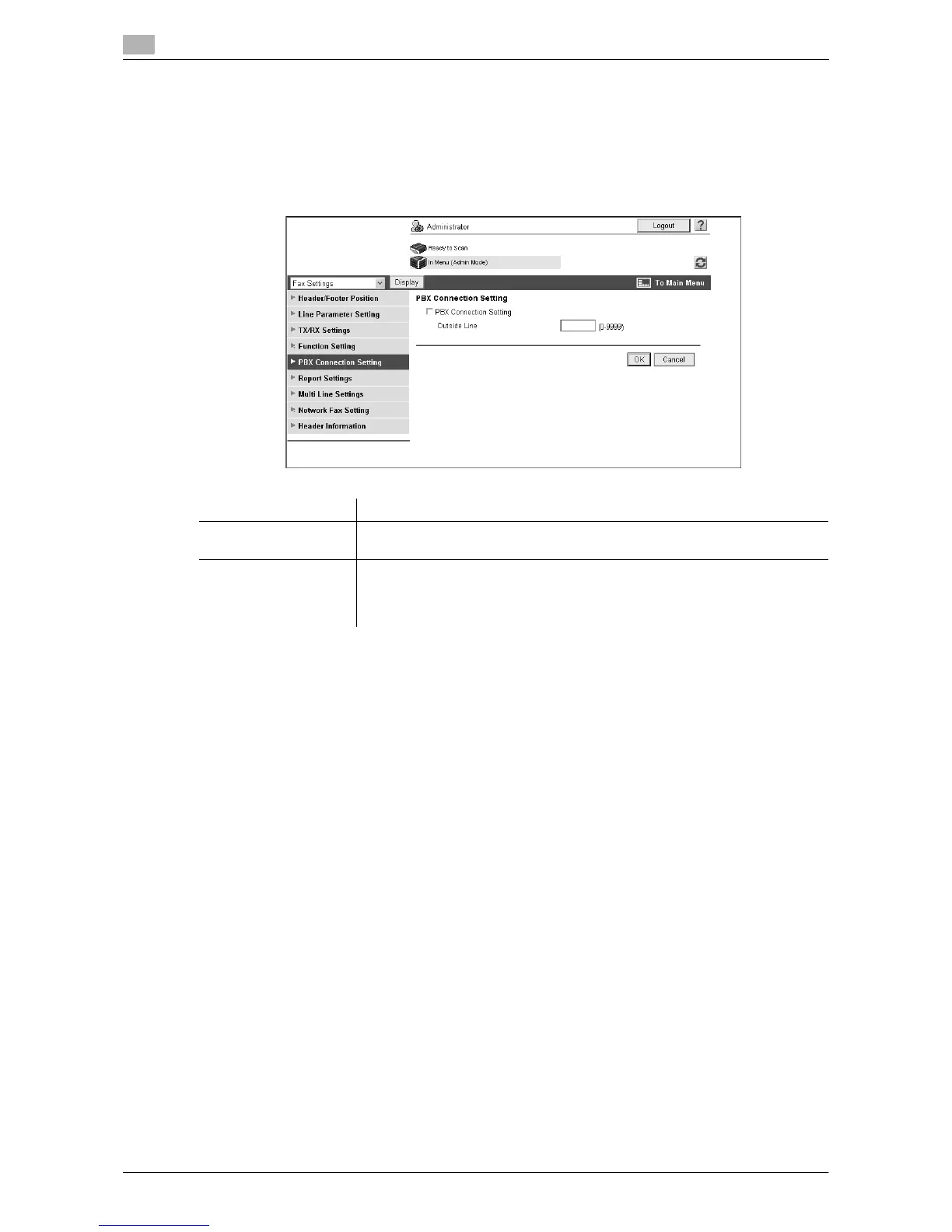
Configure settings for PBX connection.
[PBX Connection Setting]
In the administrator mode of Web Connection, select [Fax Settings] ö [PBX Connection Setting].
Item Description
[PBX Connection Set-
ting]
Select this check box when you connect this machine to a PBX line.
[Outside Line] Enter the outside line number.
When a fax number registered in the address book or a program destination is
specified as an outside line, the outside line number specified in this setting is
dialed prior to the fax number.



 To Next Page