22 Chapter 2 Prepare and print
Use Océ Doc Works to create booklets
Use Océ Doc Works to create booklets
Introduction
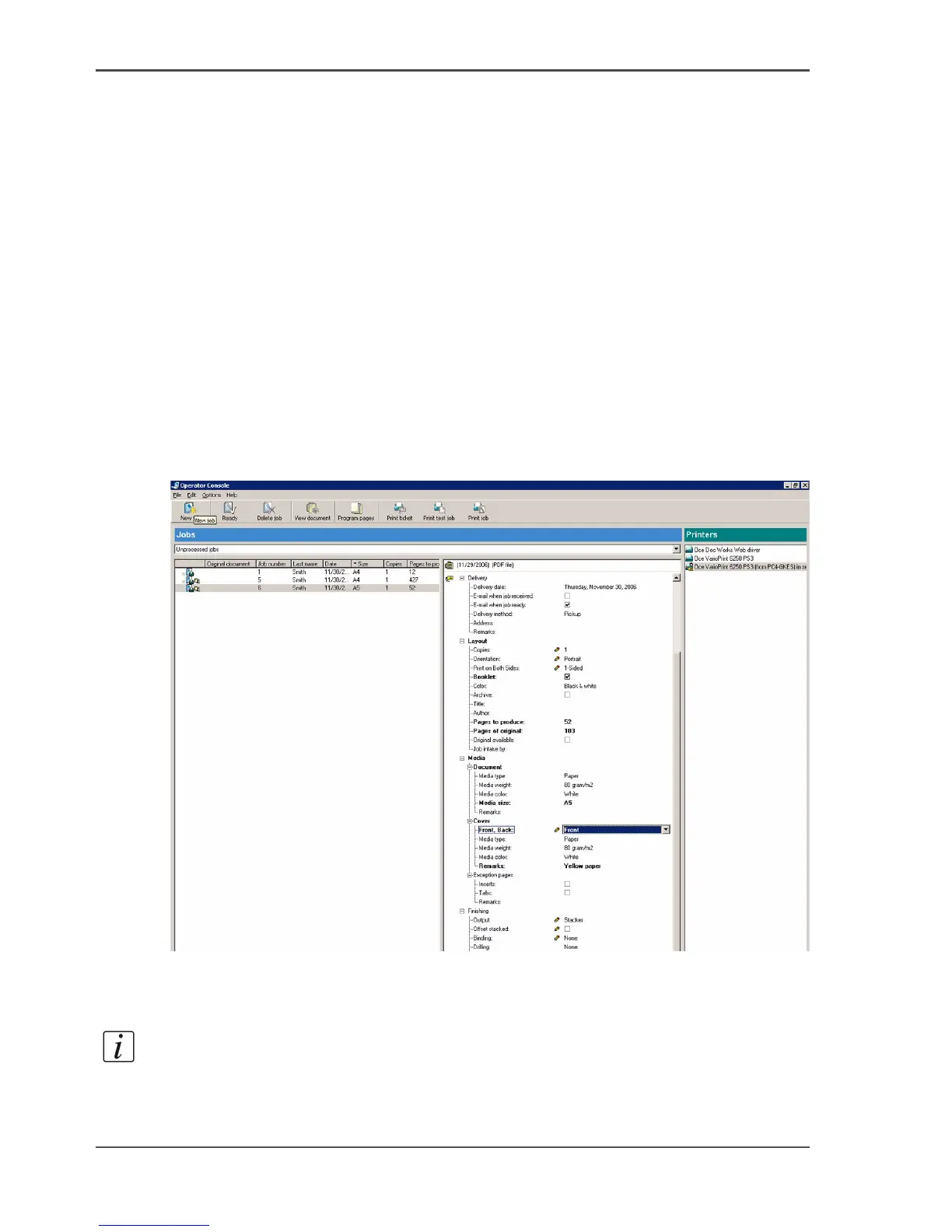
The job ticket of a received job, as displayed in the operator console of Océ Doc
Works
®
V3.6.2, indicates whether page programming or booklet printing is required.
The following steps describe the procedure of page programming for booklet
printing.
■ Create the page order and media size via Adobe Acrobat
®
plug-in.
■ Define additional page programming and/or finishing options via the page
programmer.
■ Print the job.
In the following example, an A5 document must be printed as a booklet on A4
media. The cover must be printed on yellow media.
[10]
Before you begin
Note: Océ Doc Works
®
V3.6.2 uses a plug-in for Adobe Acrobat
®
to put the pages
in the correct printing order. Therefore, you must first use Adobe Acrobat
®
and then
the page programmer.













 To Next Page