30 Chapter 2 Prepare and print
Use Océ PRISMAprepare for tab printing
Use Océ PRISMAprepare for tab printing
Introduction
You can use PRISMAprepare
®
to insert tab sheets into an existing PDF file and/or
define that existing pages be printed as tab sheets.
This requires the following steps.
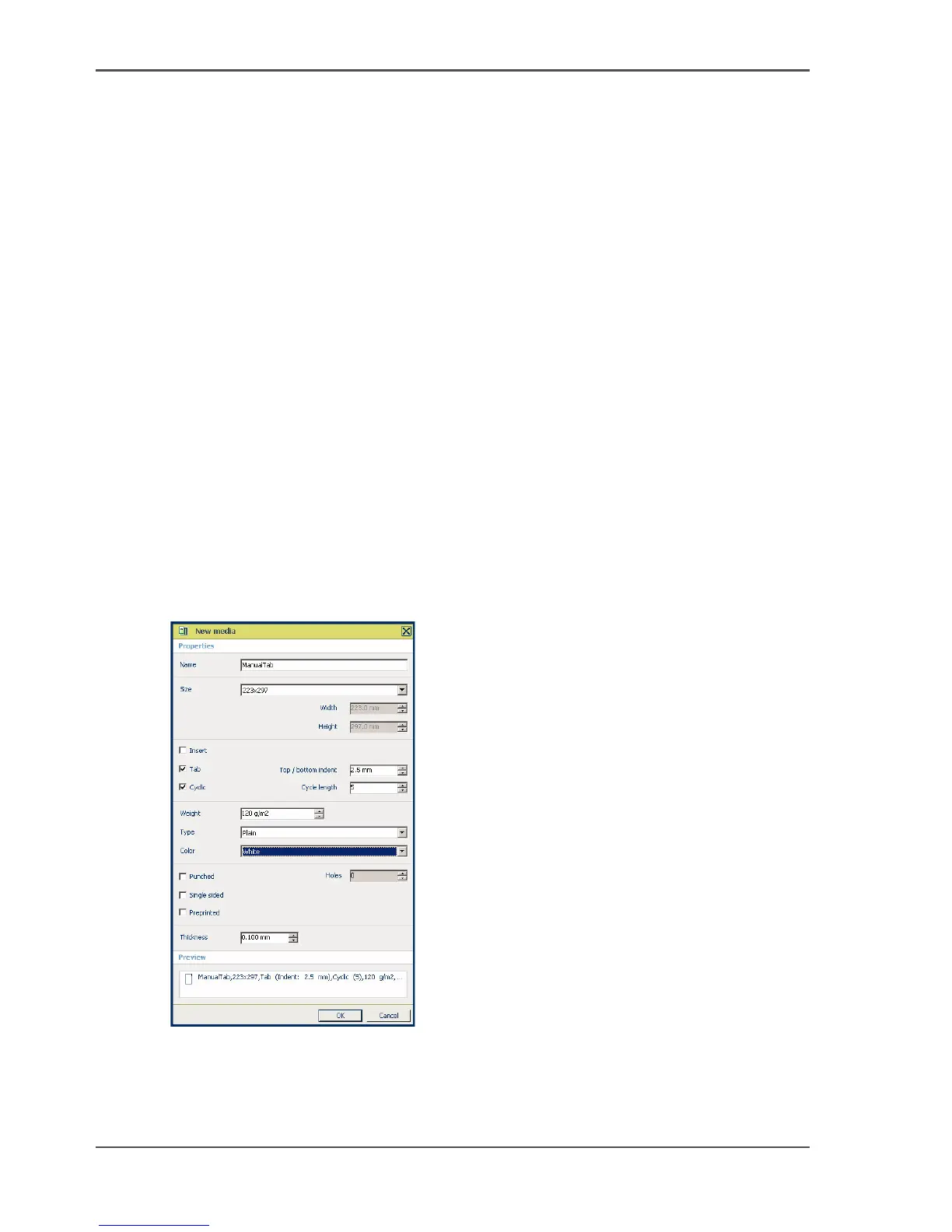
1. Define the tab media in the media catalog.
2. Insert blank pages and assign the tab media to these blank pages, or assign tab media
to existing pages.
3. Define the tab captions.
Required tools
Océ VarioPrint
®
6160/6200/6250
Océ PRISMAprepare
®
4.02
PDF file
Define new tabs in the media catalogue
1. Select '&Tools' --> 'Media Catalog'.
2. Select 'New'.
[20]
3. Enter the attributes of your tabs.
4. Click 'OK'.













 To Next Page