66 Chapter 3 Copy and scan
Use the Océ DS60 scanner to make a copy
Use the Océ DS60 scanner to make a copy
Introduction
If you have the optional Océ DS60 scanner, the system supports a direct copy path
from the scanner to the Océ VarioPrint
®
6160/6200/6250. Refer to the User Manual
of the Océ DS60 scanner for detailed scanner information.
This section gives an example of a copy job on the scanner. The example describes
the copying of several A4 pages via the direct copy path.
Make a copy
Note: Make sure that you first select a printer first and a copy template next. When
you select a copy template, you can no longer change the printer selection.
1. Put the originals face down and in readable form into the automatic document feeder
or on the glass plate.
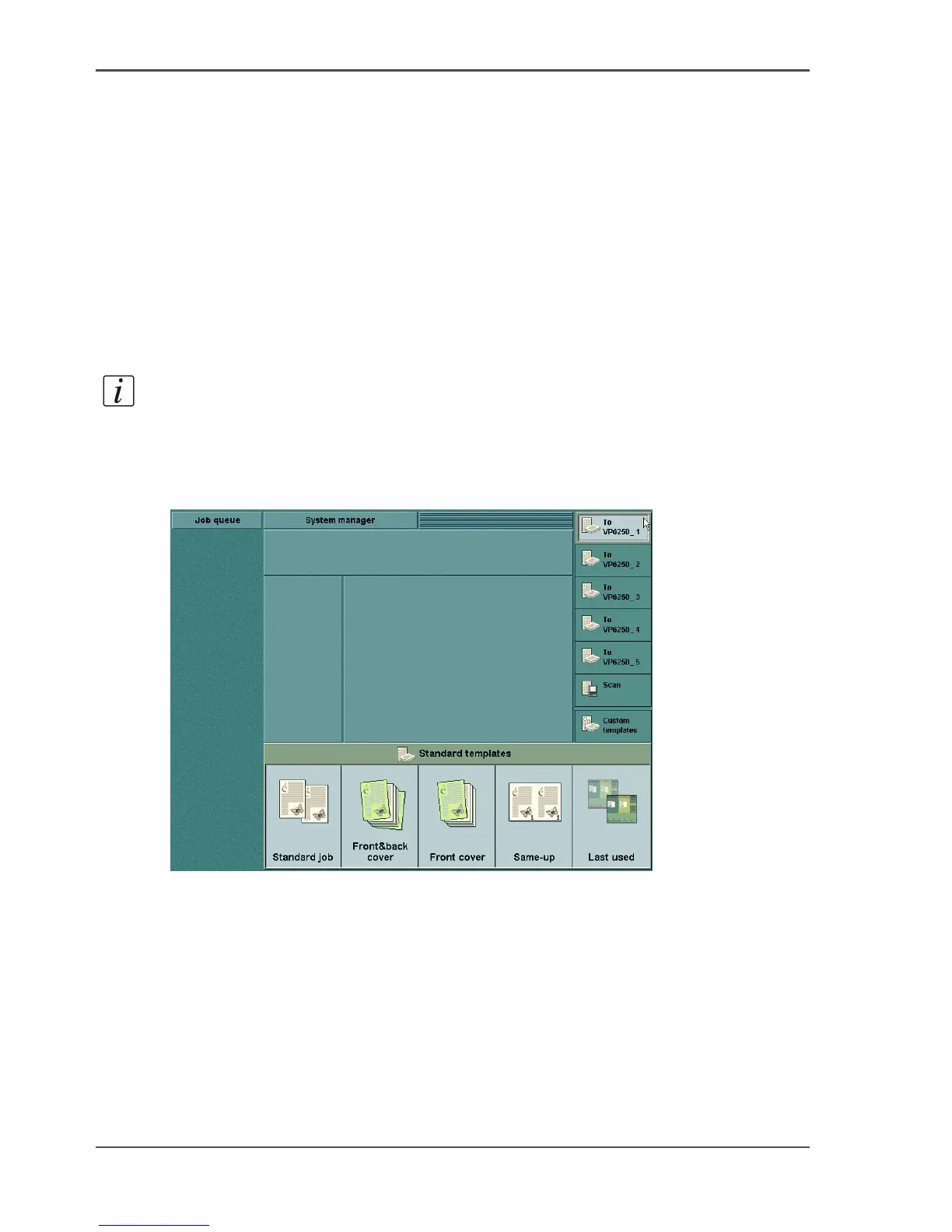
2. Select the printer of your choice at the right-hand side of the operator panel.
[1]
3. Select a copy template.
4. Define the settings for 'Original' and 'Print'.
5. Enter the number of prints and the 'Finishing' method (if you want to staple the jobs
and the optional finisher is available).













 To Next Page