37
Use Océ PRISMAproduction to print bitmapped Adobe PDF and TIFF files
[26]
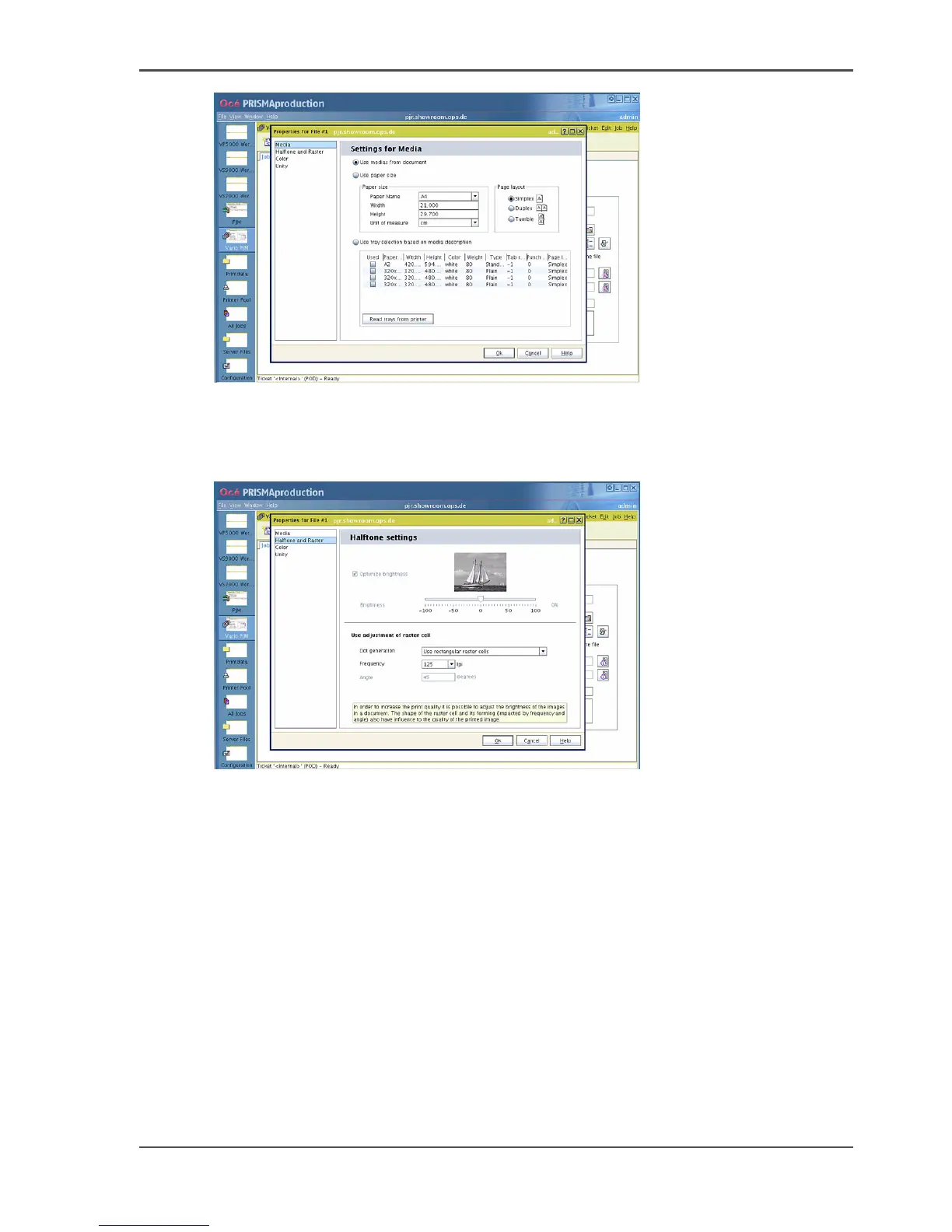
7. Make the following adjustments in 'Halftone and raster':
■ 'Use rectangular raster cells'
■ 125 lpi
[27]
8. In the 'Settings' tab define:
■ Mode (usually 'Media Attribute Mode')
■ Required paper (usually ISO A4)
■ The 'Layout', which can be simplex or duplex (1-sided or 2-sided print)
■ Other options if necessary.













 To Next Page