51
Print Microsoft Office documents
[41]
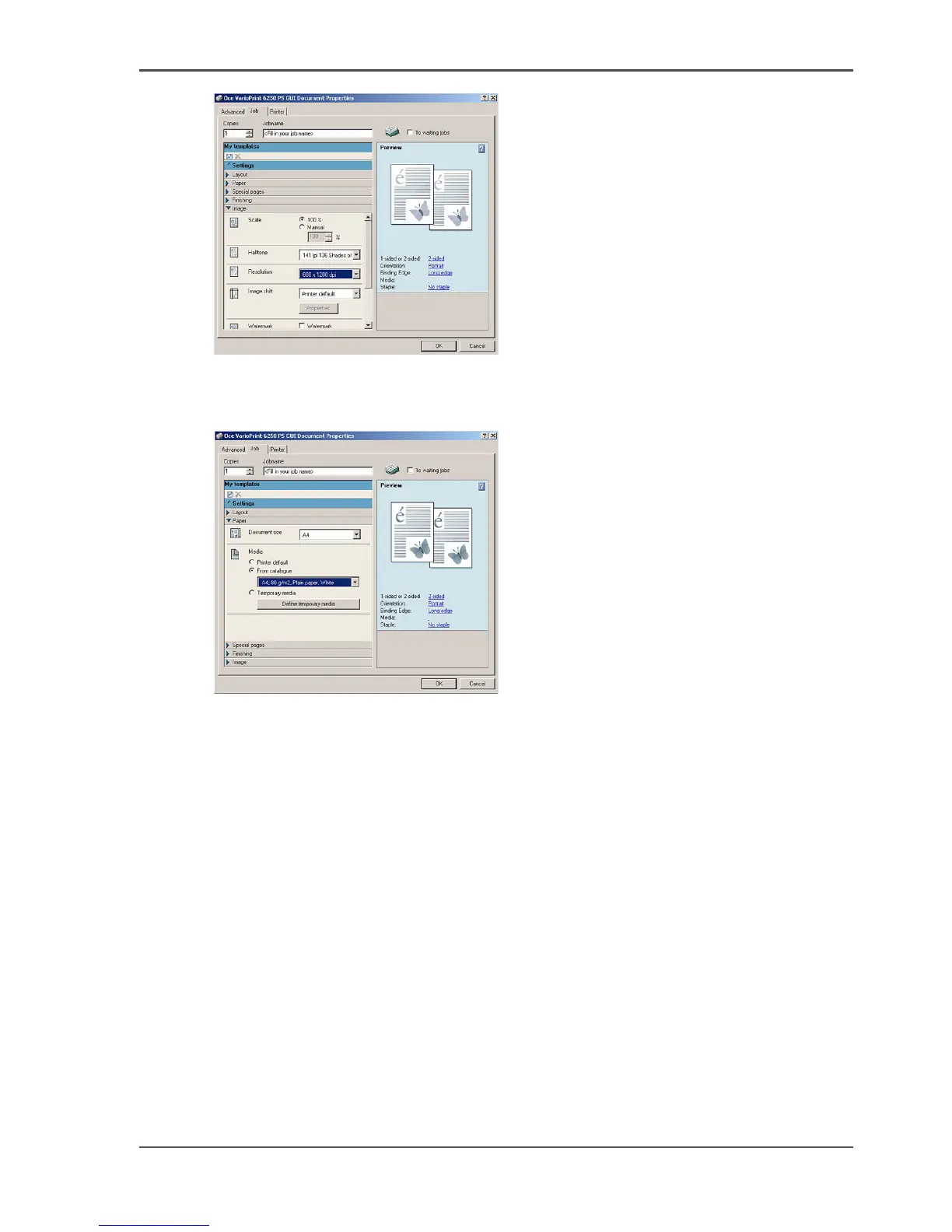
7. Click the 'OK' button.
8. In the 'Print' dialog, select the final settings, such as the number of copies and the
'Page range'.
[42]
9. Click the 'OK' button.
Result
The Océ VarioPrint
®
6160/6200/6250 will print the document.













 To Next Page