74 Chapter 3 Copy and scan
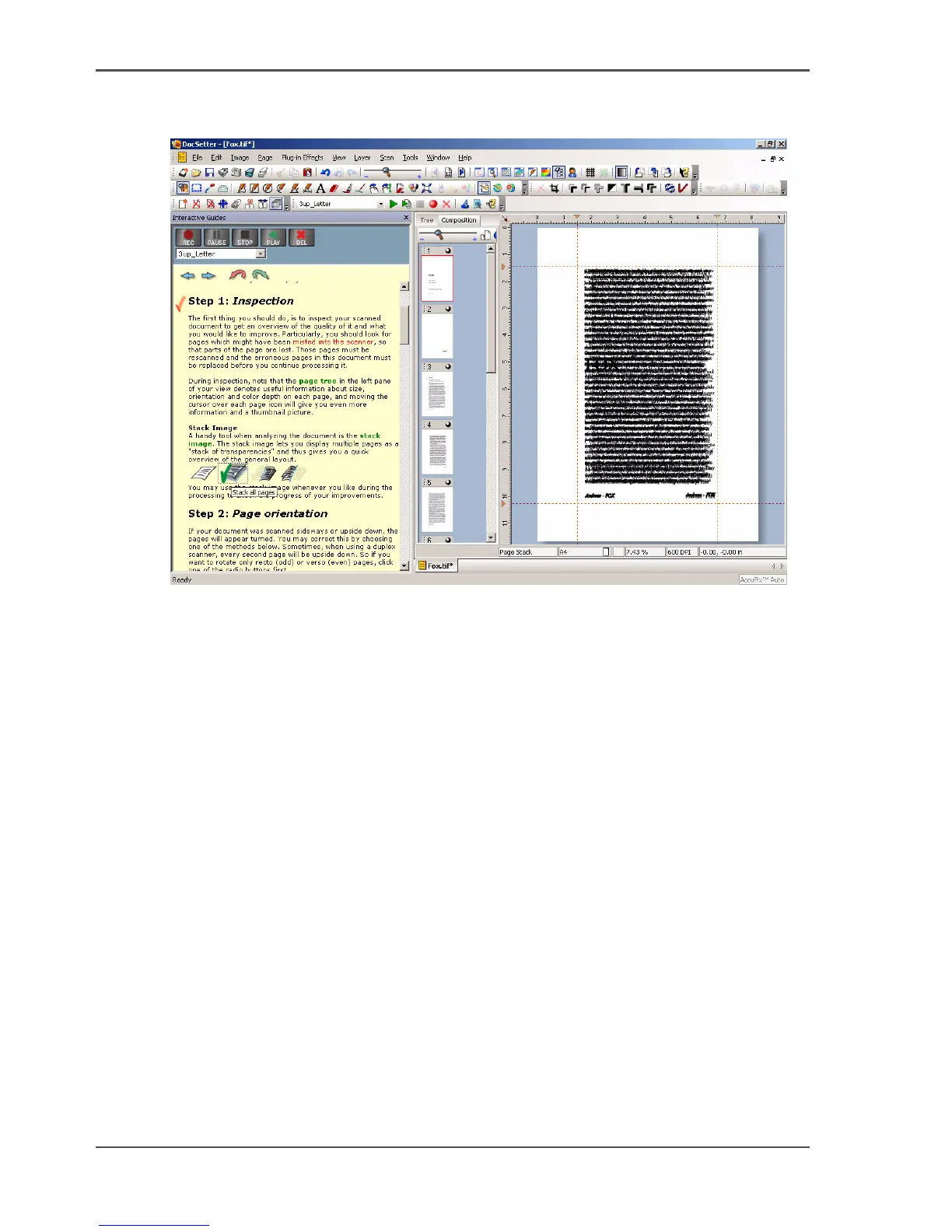
Use Océ DocSetter to optimize the scanned documents
Note: You can create another stacked image for checking purposes.
[8]
Exit the interactive guide and save the document
1. Exit the 'interactive guide'.
2. From the 'File' menu, select 'Save as'.
3. Enter a file name, select a file format and save the document.













 To Next Page