2: Installing the QE-PRO
891-00000-000-02-201603 15
Buffering
► Procedure
To control buffering,
1. Right-click on the QE Pro in the Schematic View.
2. Select New Acquisition | Data Buffer.
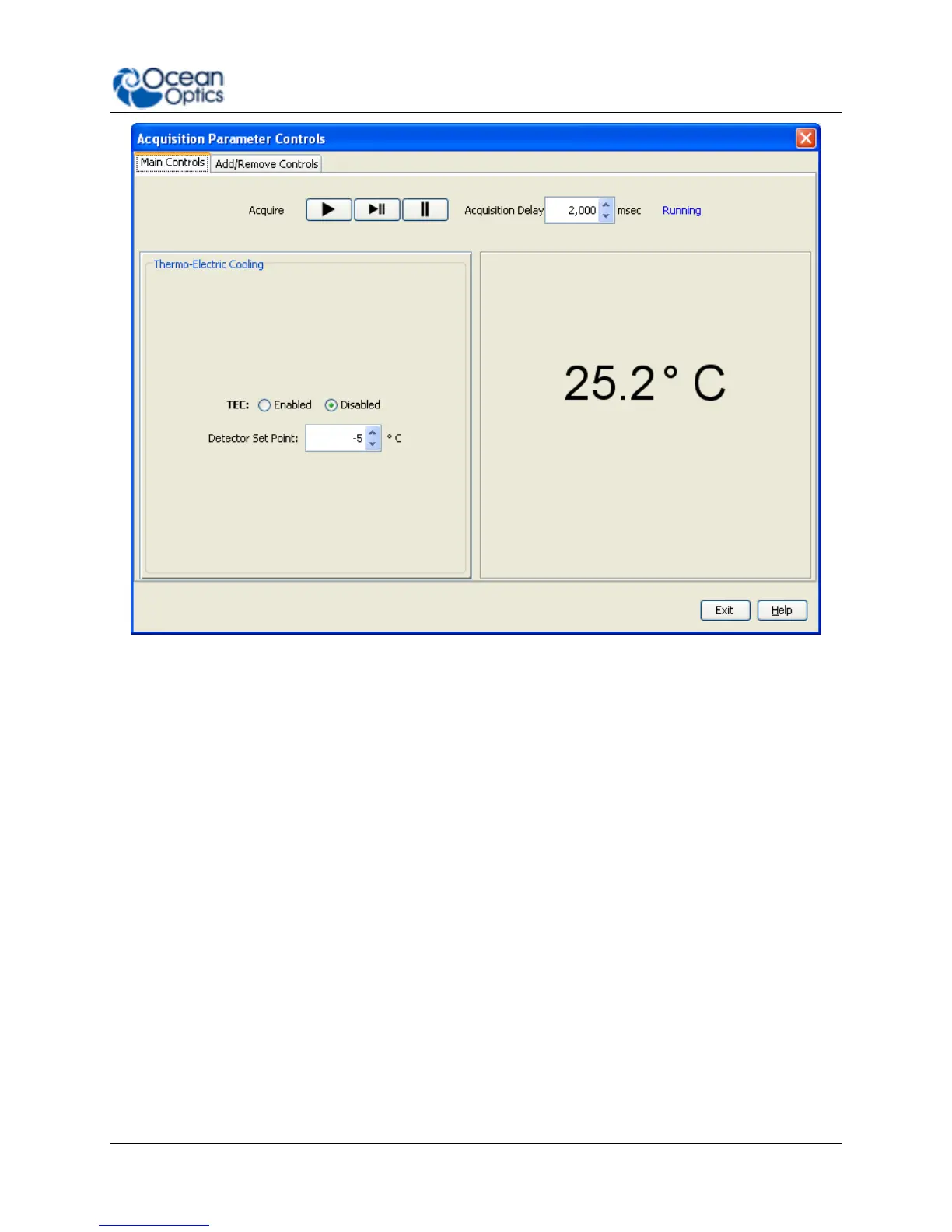
Data buffering can also be set using the Acquisition Parameter Controls.
► Procedure
To add data buffering controls to the Acquisition Parameter Controls,
1. Click on the Add/Remove Controls tab.
2. Select Data Buffer. The Data Buffer controls appear on the Main Controls tab.


 To Next Page