2: Installing the QE-PRO
16 891-00000-000-02-201603
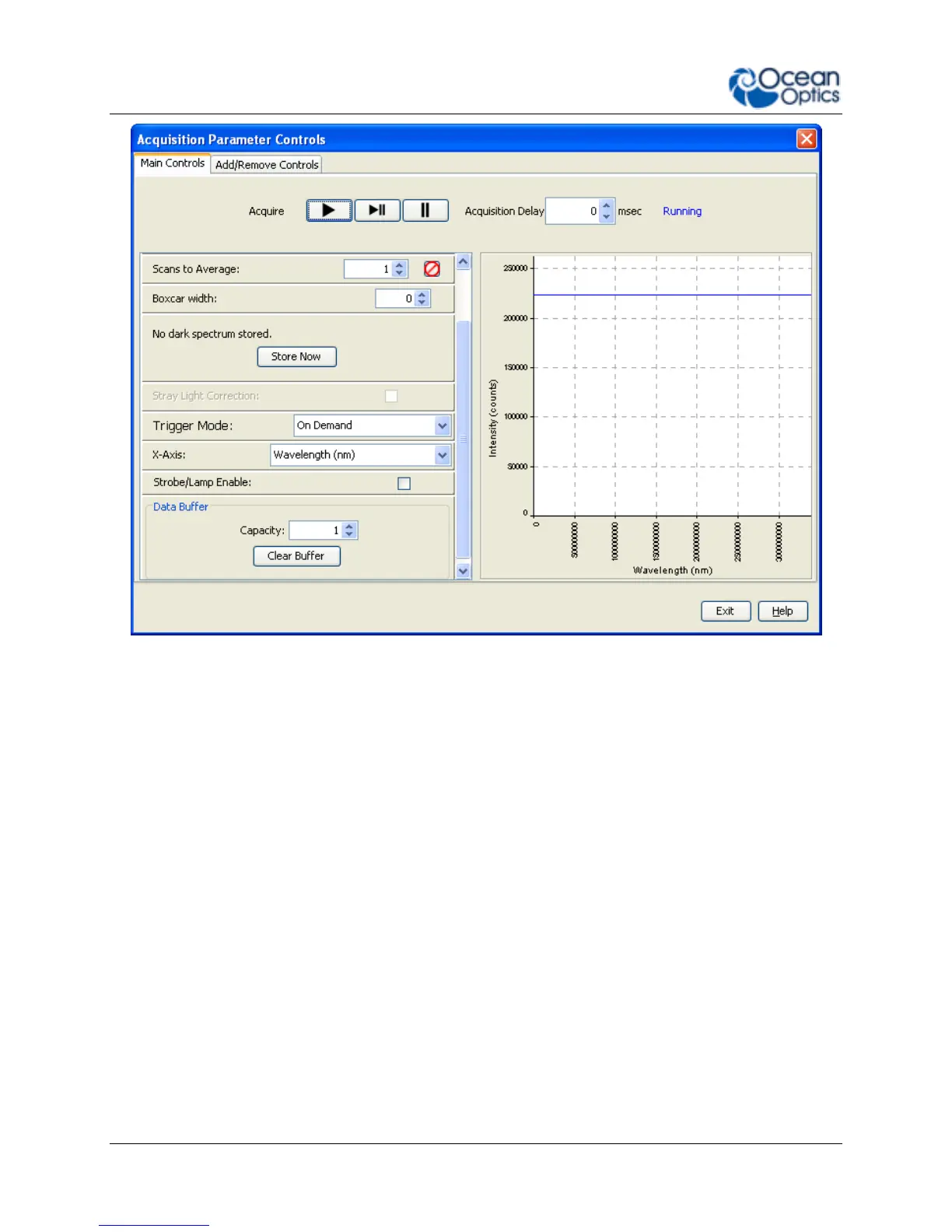
3. Select the data buffering capacity (the total number of scans the device can store at once).
4. Click Clear Buffer to set the buffer to zero and start over.
Optional Shutter
► Procedure
To enable the optional shutter,
1. In the Acquisition Group window, click on the Add/Remove Controls tab.
2. Select GPIO. The GPIO controls appear on the Main Controls tab.
3. Check the Out box for Index 4. This makes the GPIO an output.
4. Check the Value box for Index 4 to close the shutter. You can now take your dark measurement.


 To Next Page