17
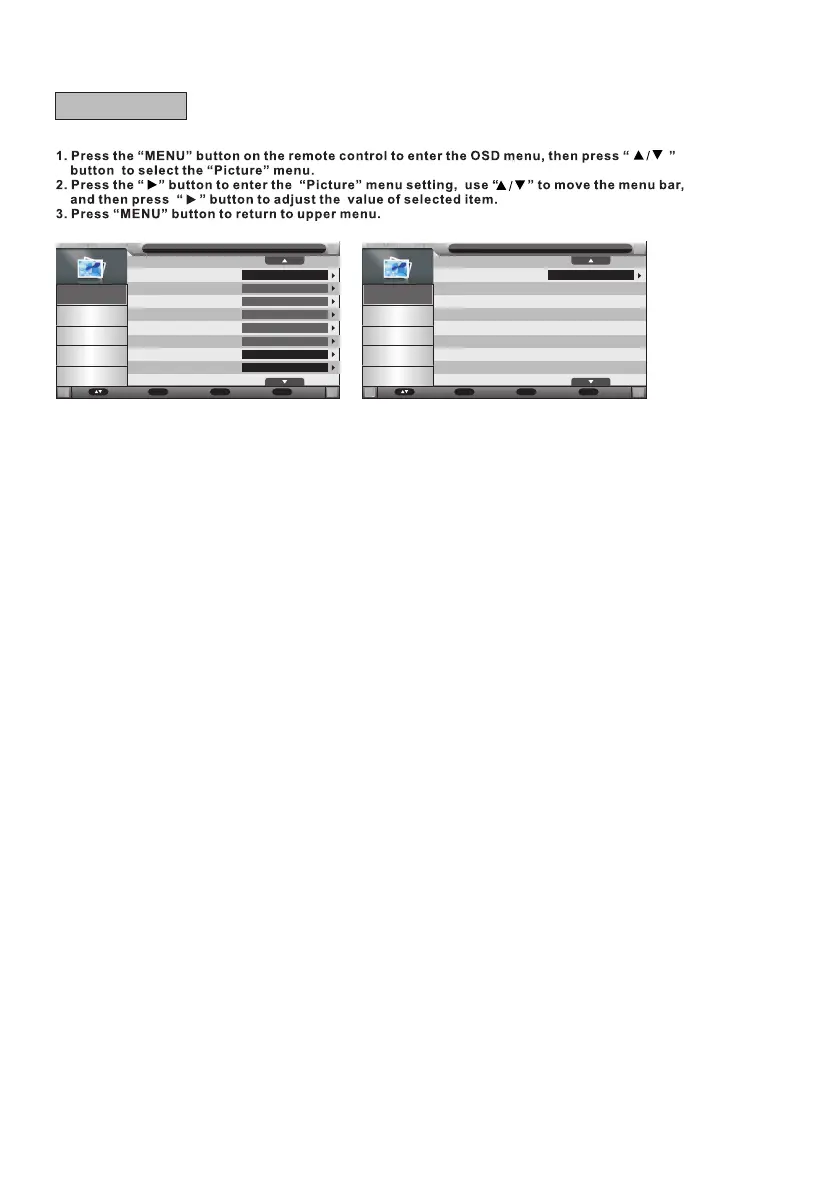
Picture Mode
Brightness
Contrast
Sharpness
Colour
Tint
Colour Temperature
Aspect Ratio
Picture
Standard
50
50
5
50
50
Standard
16:9
Picture
Sound
Channel
Feature
Setup
Picture Mode
Available options: User, Mild, Standard, Dynamic.
Brightness
The brightness value of picture can be adjusted from 0-100.
Contrast
The contrast value of picture can be adjusted from 0-100.
Sharpness
The sharpness value of picture can be adjusted from 0-10.
NOTE: The value of Brightness, Contrast, Color, and Sharpness is adjustable only in User
picture mode.
Colour
The colour saturation value of picture can be adjusted from 0-100.
Tint
This item is used to adjust the tone of color in NTSC system from 0-100.
Colour Temperature
This item is used to adjust the optimum colour temperature for suitable viewing.
Available options: Standard, Cold, Warm
Aspect Ratio
This option allows to select the display mode among Panorama, 16:9, 4:3, Just Scan, Zoom1
and Zoom2.
Noise Reduction
This item is used to eliminate the image noise to gain better image effect.
Available options: Off, Low, Middle, High.
Move Enter
OK
Return
Menu
Exit
Exit
Noise Reduction
Picture
Middle
Picture
Sound
Channel
Feature
Setup
Move Enter
OK
Return
Menu
Exit
Exit
A - Picture



 To Next Page