7
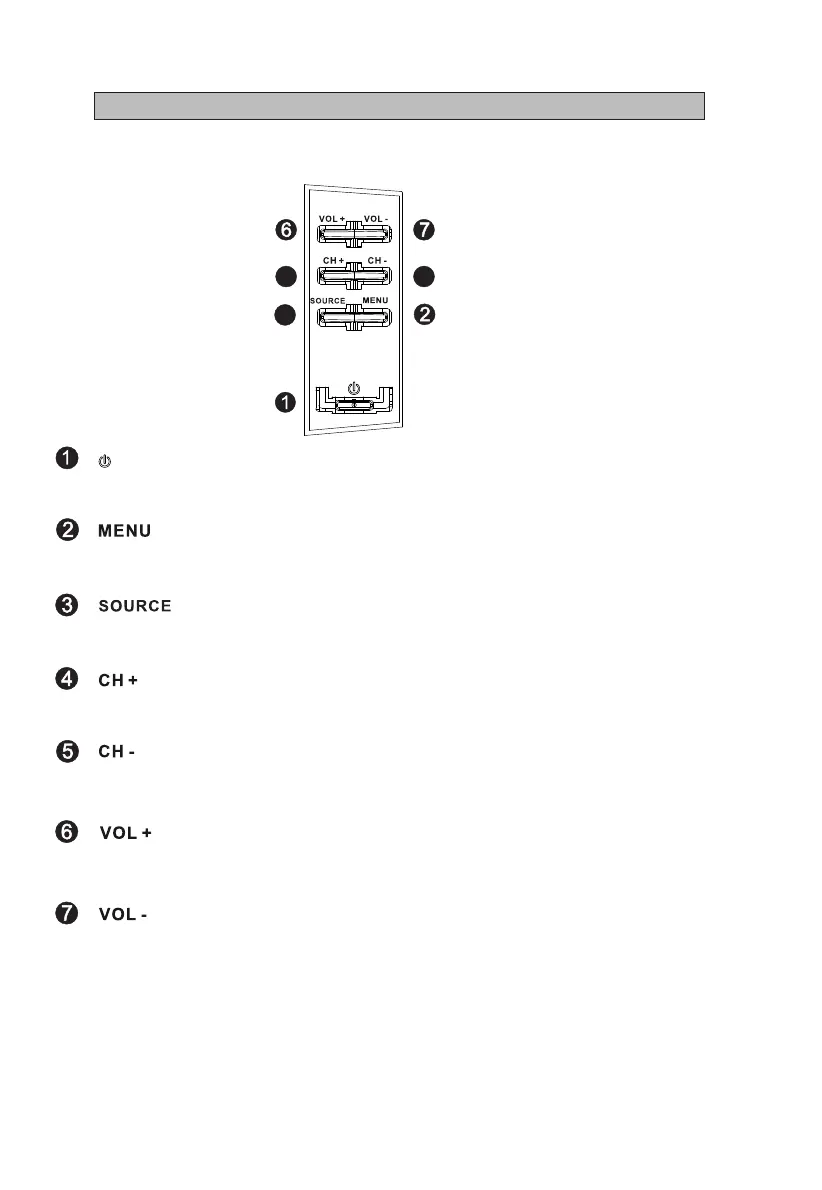
Turn the TV on or enter into standby mode.
Signal source selection button.
Volume decreasing short cut key; enter into the next menu and adjust OSD
options (decreasing).
Volume increasing short cut key; enter into the next menu and adjust OSD
options (increasing).
The command buttons are at the back of the TV.
Introduction for Each Key
Enter/exit the main menu.
Channel downwards short cut key; skip to previous channel no. and select
the previous option in the menu.
Channel upwards short cut key; skip to next channel no. and select the next
option in the menu
I - Control Panel
3
4
5



 To Next Page