22
Hotel Mode
Hotel setting allows you to restrict access to some functions by means of password, so that
end user cannot change the TV settings. In this menu you will be able to restrict access to
such functions such as channel settings and volume control.
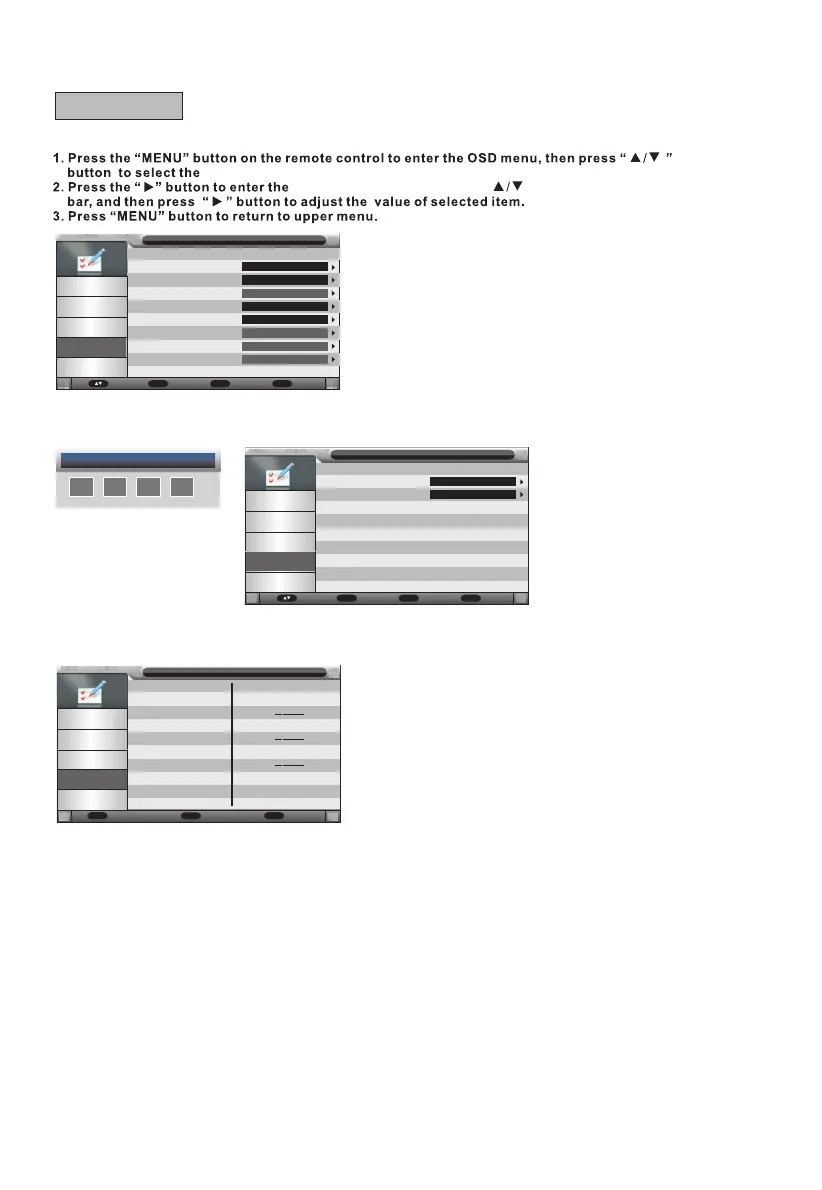
"Feature" menu.
"Feature" menu setting, use " " to move the menu
Lock
Langu age
Clock
Sleep Timer
Auto Po wer Off
Heari ng Impaired
CI Info
PVR/Timeshi ft
Featu re
Pictu re
Sound
Chann el
Featu re
Setup
Enter
Enter
Enter
Off
4 Hours
Off
Enter
Enter
Move Enter
OK
Retur n
Menu
Exit
Exit
Lock
Press the p /q button to select the Lock item, and then use OK button or u button to enter.
Default password is 0000.
Password
Chang e Pin Code
Hotel M ode
Featu re - Child Lock
Pictu re
Sound
Chann el
Featu re
Setup
Enter
Enter
Move Enter
OK
Retur n
Menu
Exit
Exit
Change Pin Code
Old Pas sword
New Pas sword
Con rm New Pass wor d
Featu re/ Chang e Pin C ode
Pictu re
Sound
Chann el
Featu re
Setup
Press the p /q button to select the Change Pin Code item, and then use OK button or u button to enter
Change Password.
0~9
0~9
Retur n
Menu
Exit
Exit
Input the old password in the relevant eld. If the old password is incorrect, you cannot go on.
Input the new password in the relevant eld. Input the new password again to conrm in the eld
"Conrm new password".
If it is OK, the updated menu will appear after a few seconds.
D - Feature



 To Next Page