37
e-Book Manager
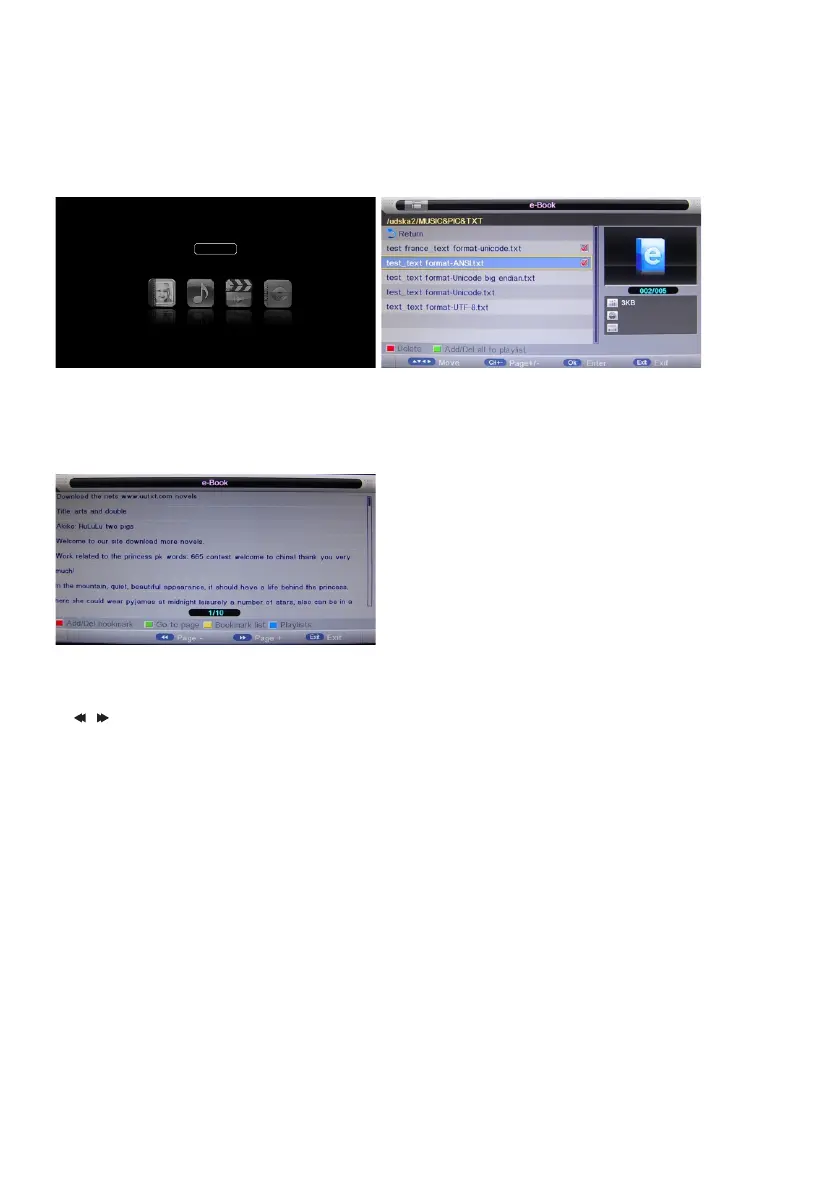
Highlight the "e-Book" item in multimedia main menu by press "t /u " key, then press "OK" key enter
e-Book page, as follow:
Key Operation
1) RED: Delete the focused folder/ le.
2) GREEN: Add/Del all e-Book les to play list.
3) OK: Add/Del highlight les to play list.
4) CH+/-: Page up/Page down.
e-Boo k
Press "PLAY" key to start playback.
1) RED: To add/del bookmark.
2) GREEN: To input the page number directly.
3) YELLOW: To enter the "Bookmark list" page.
4) BLUE: To enter the "Play list" page.
5) / : To page down/page up.
6) EXIT: To close the le and return to the le browser.
7) Only txt format eBook is supported.



 To Next Page