9 BIOM® 5 in Use
14 / 40 Instruction Manual BIOM® 5 (G/55400/0413/en)
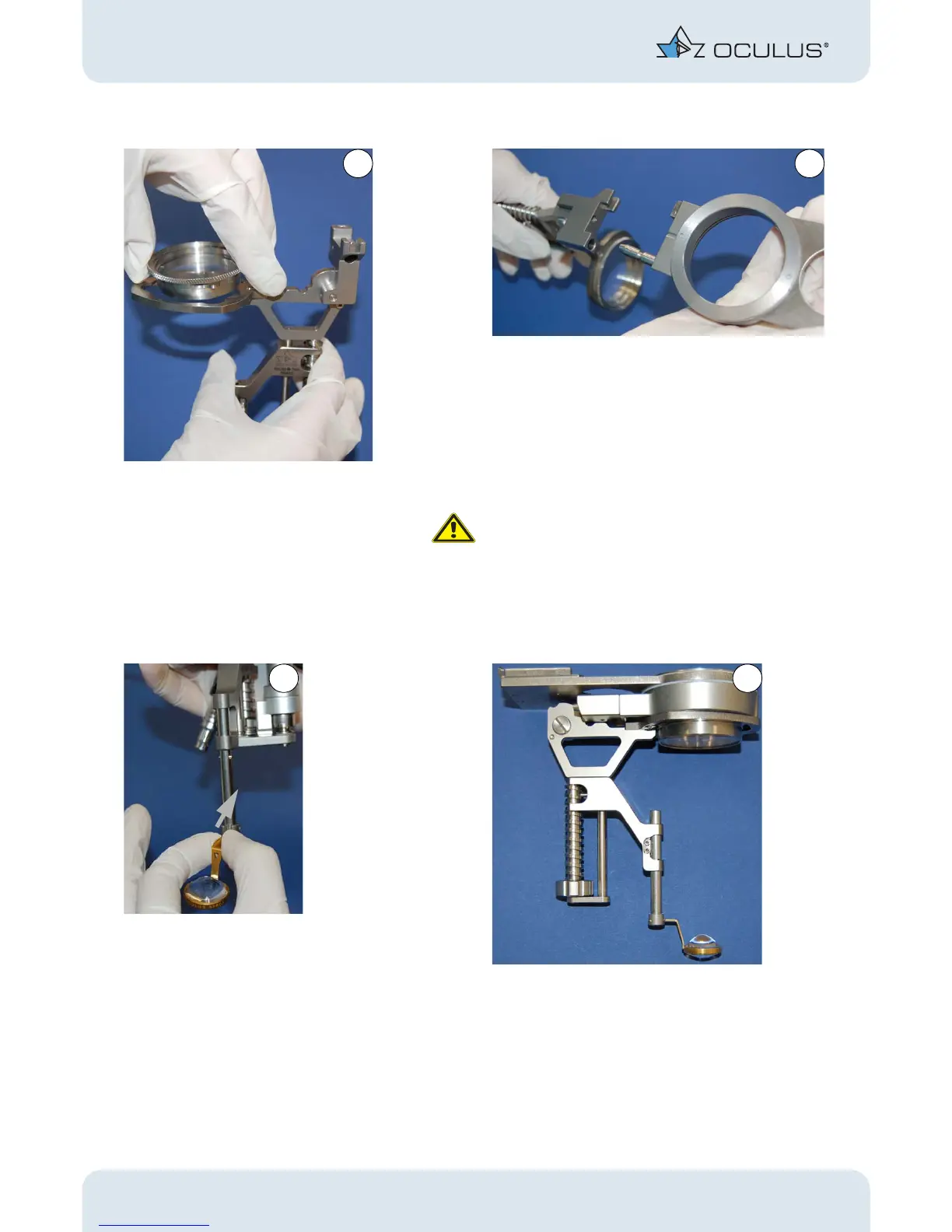
Insert the reduction lens. Plug in the adapter plate. You must thereby over-
come the detent that secures the connection.
Attention
Risk of injury to the patient if the BIOM® 5 is inserted
incorrectly
If you do not insert the BIOM® 5 correctly, you will get
a decentered fundus image.
Make sure that the BIOM® 5 has been slipped on up to
the limit stop.
Insert the front lens. The BIOM® 5ml is fully assembled.
Fig. 9-4: Component assembly



 To Next Page