8 Patient Data Management
Instruction Manual C-Quant ( G/80000/1007/en) 9 / 56
"Invert result”
If this option is activated, all data that do not meet the selected search criteria are dis-
played.
When the [Search] button is activated, all other buttons are deactivated (greyed out).
Î To exit search mode, you must press the [Quit Search] button. The other buttons are
then reactivated.
8.4 Deleting examinations
This function makes it possible to delete individual examinations from the patient data.
Î Click [Delete exam.] underneath the list of examinations.
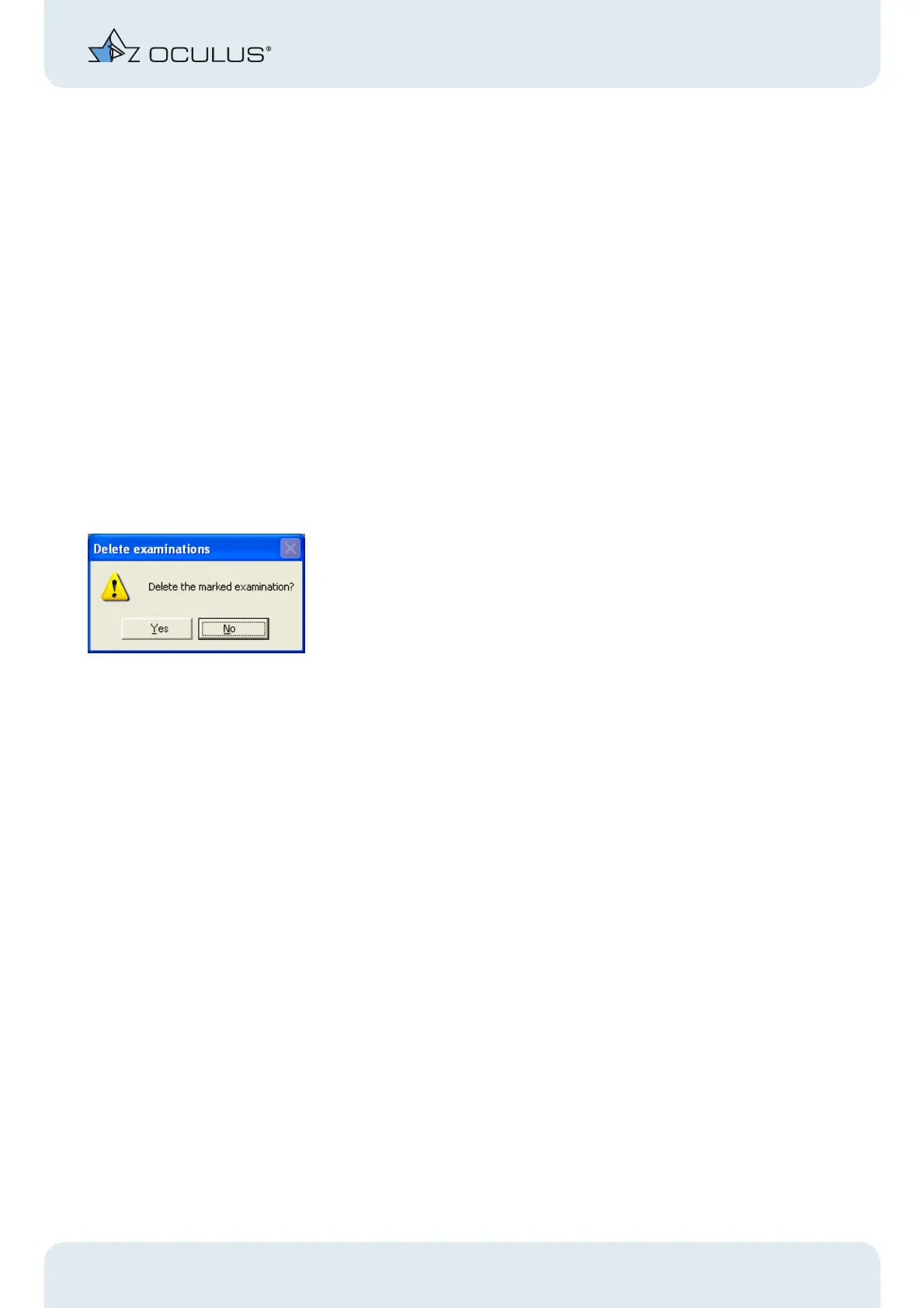
You will be asked if you really want to delete the examination.
Fig. 8-4: Delete individual examination
Î Confirm your selection by clicking [Yes].
8.5 Patient data
Renaming patients
Patient data can be changed later by activating [Change] (under the patient
directory).
The input fields for entering the patient data are now activated (white background)
and the cursor jumps directly into the top field.
Î Activate the [Save] button.
The changes are recorded.
Deleting patient data
Patient data can be deleted via [Delete patient].



 To Next Page