9 C-Quant Program
Instruction Manual C-Quant ( G/80000/1007/en) 23 / 56
Settings
Here you can adjust user-specific settings (language and date format) as well as sys-
tem settings.
9.1 Information Boxes (C-Quant Program)
The main window is subdivided into a number of fields.
9.1.1 Common data
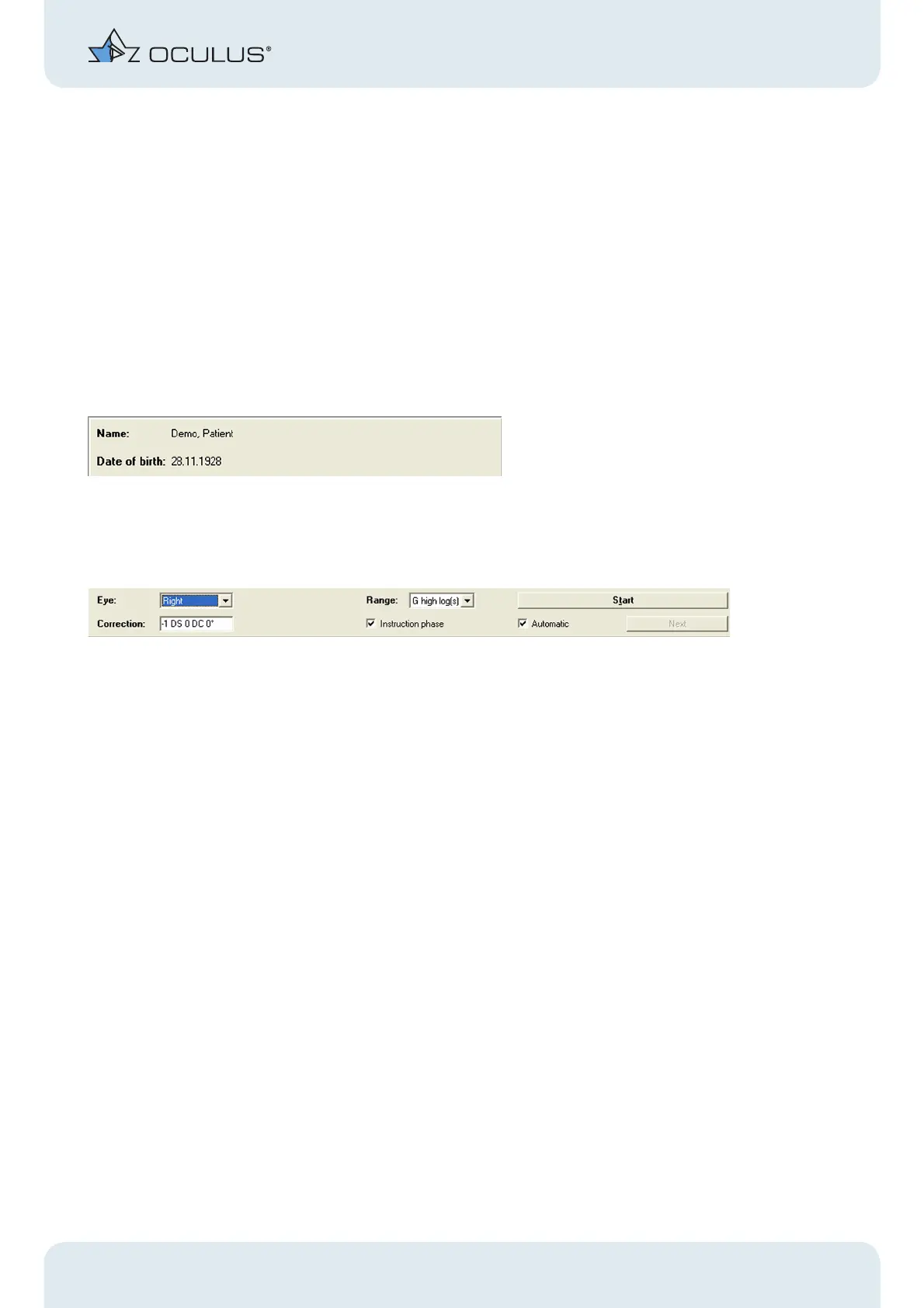
The patients name and date of birth are displayed in the upper left corner of the main
window.
Fig. 9-2: Common data
9.1.2 Examination specific data
Fig. 9-3: Relevant data to the examination
This is where to enter all data relevant to the examination:
Eye:
Select the eye to be examined.
"Range" field
The measurement range can be chosen to fit the kind of patient.
For many eyes the E range (default) is efficient.
Very young and healthy eyes are more effectively studied with a lower range setting.
Very old patients or high straylight eyes are more effectively studied with a higher range
setting (see sect. 12, page 35).



 To Next Page