8 Patient Data Management
Instruction Manual C-Quant ( G/80000/1007/en) 19 / 56
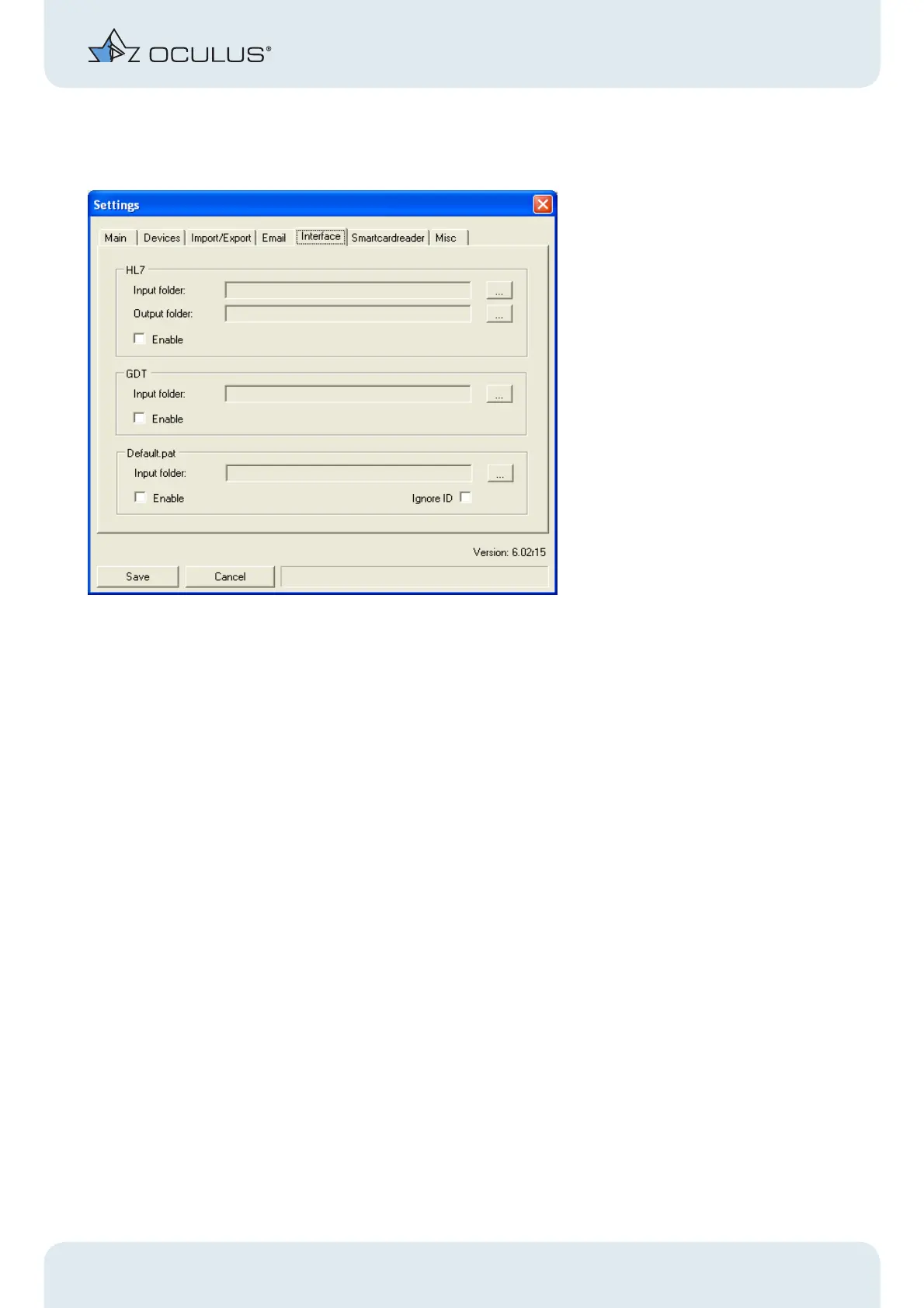
8.9.5 Settings “Interface”
Fig. 8-12: "Interface" - Box
On this tab panel, you can specify the storage locations for various interface types.
These interfaces are intended for the integration of the OCULUS instruments into third-
party software.



 To Next Page