9 C-Quant Program
22 / 56 Instruction Manual C-Quant ( G/80000/1007/en)
8.10 Starting the C-Quant program
☞
Note
Switching from Patient Data Management to the Examination program:
Î After you have selected a patient (sect. 8, page 7) start the Examination program by
clicking [C-Quant].
Î Alternately, you can start the program by double clicking the patient you have
selected.
9 C-Quant Program
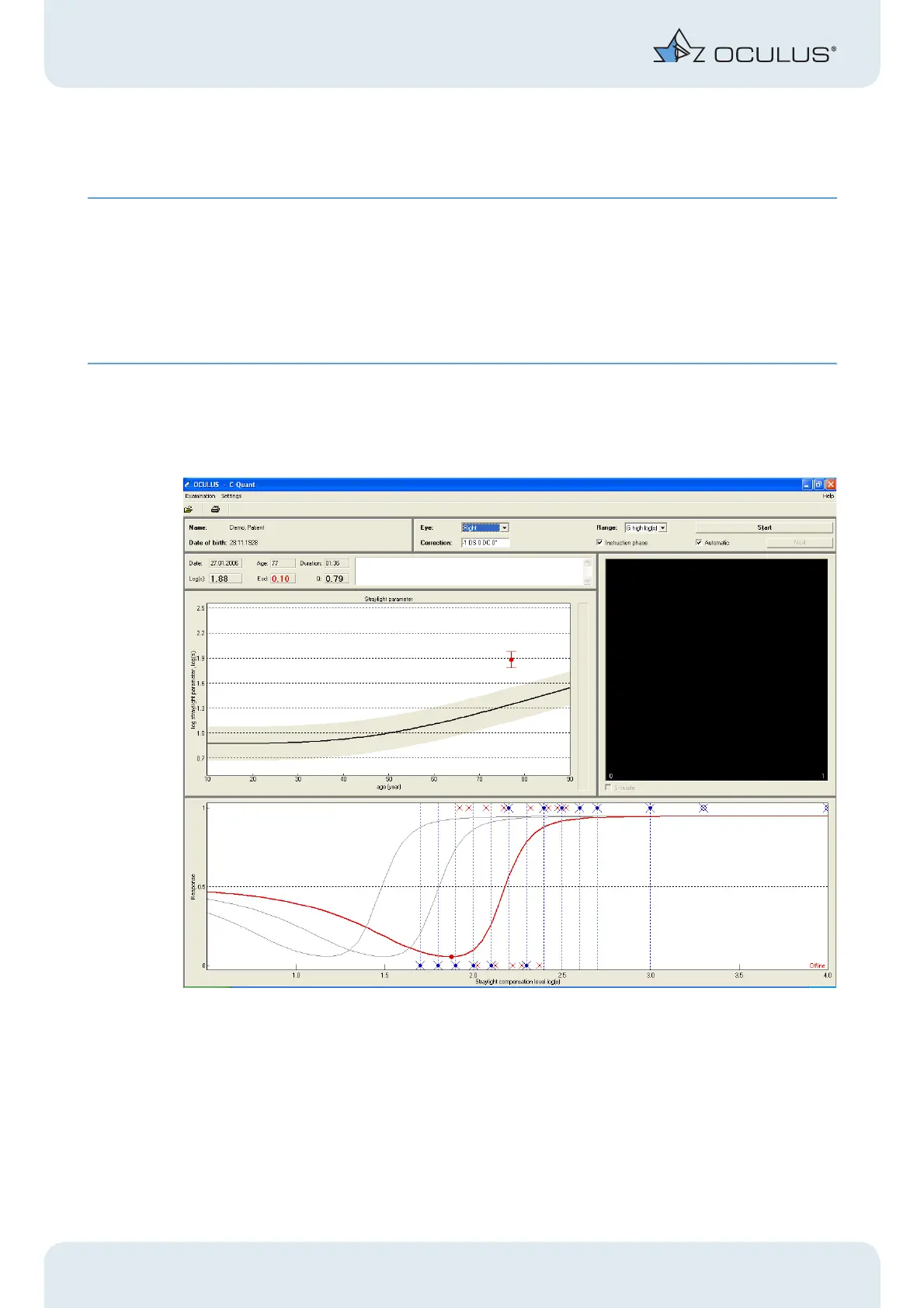
Fig. 9-1: C-Quant program menu
The menu bar contains the following main items:
Examination
Loads an existing examination, prints the most recent examination results and exits
the examination software via the menu item "New patient / Exit" (returns to patient
data management).



 To Next Page