8 Patient Data Management
20 / 56 Instruction Manual C-Quant ( G/80000/1007/en)
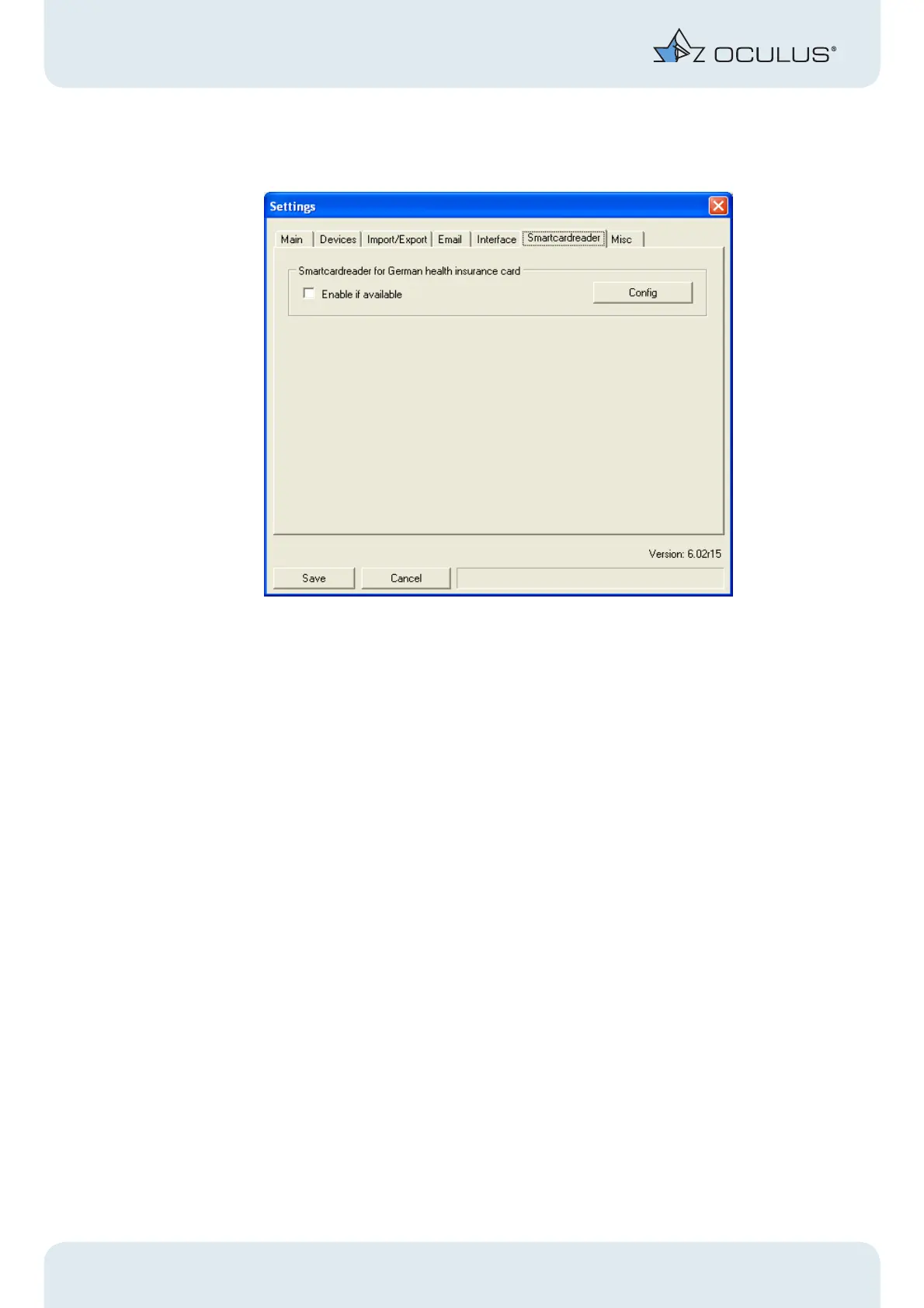
8.9.6 Settings “Smartcardreader”
Fig. 8-13: Box Smartcardreader
If you have a standard smart card reader, you can read your patient data directly
from the patient’s insurance card into the OCULUS Patient Data Management.
Î Click on the [Enable] checkbox .
Î To install and configure your smart card reader, click the [Config] button.
The window "Subsembly SmartCard API" opens.
Î To install your smart card reader, click on the button that corresponds to the type of
reader you have.



 To Next Page