ODYS PDV 67003 DVB-T
26
EN
Time zone
Press to select the “Time zone” option, confirm using and select
the desired Time zone using / (GMT+ 0…10 oder GMTí 0…10).
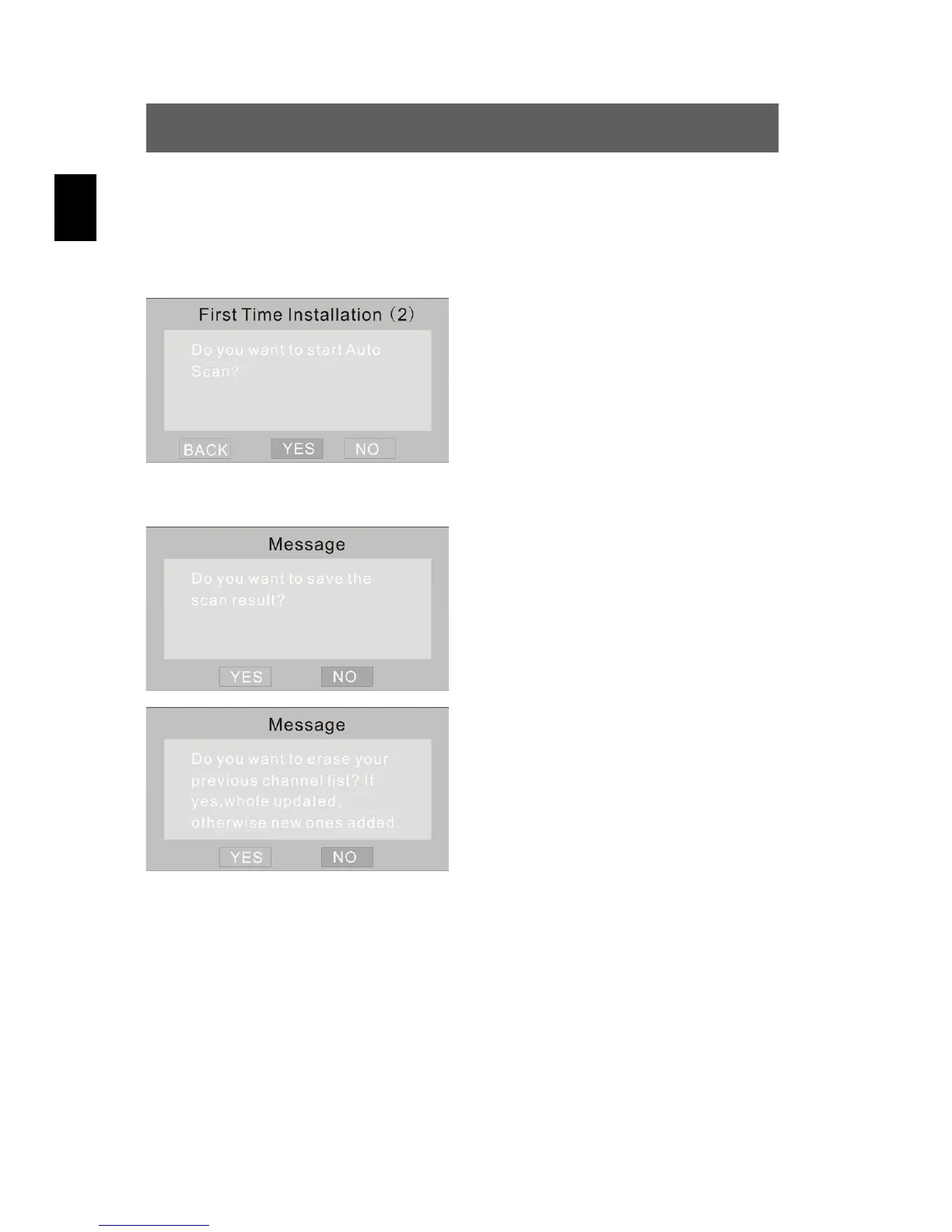
Automatic channel search (auto Scan)
In this menu, you can select the
BACK/YES/NO options using /.
Select YES for the automatic scan for
TV channels and confirm using ENT.
Storing the search results
In this menu, you can select the
YES/NO options using /. Select
YES to store the search results and
confirm using ENT. Select NO to
cancel the search results.
If you have selected NO in the
previous menu, confirm the deletion
of the channel list again with YES.



 To Next Page