ODYS PDV 67003 DVB-T
40
EN
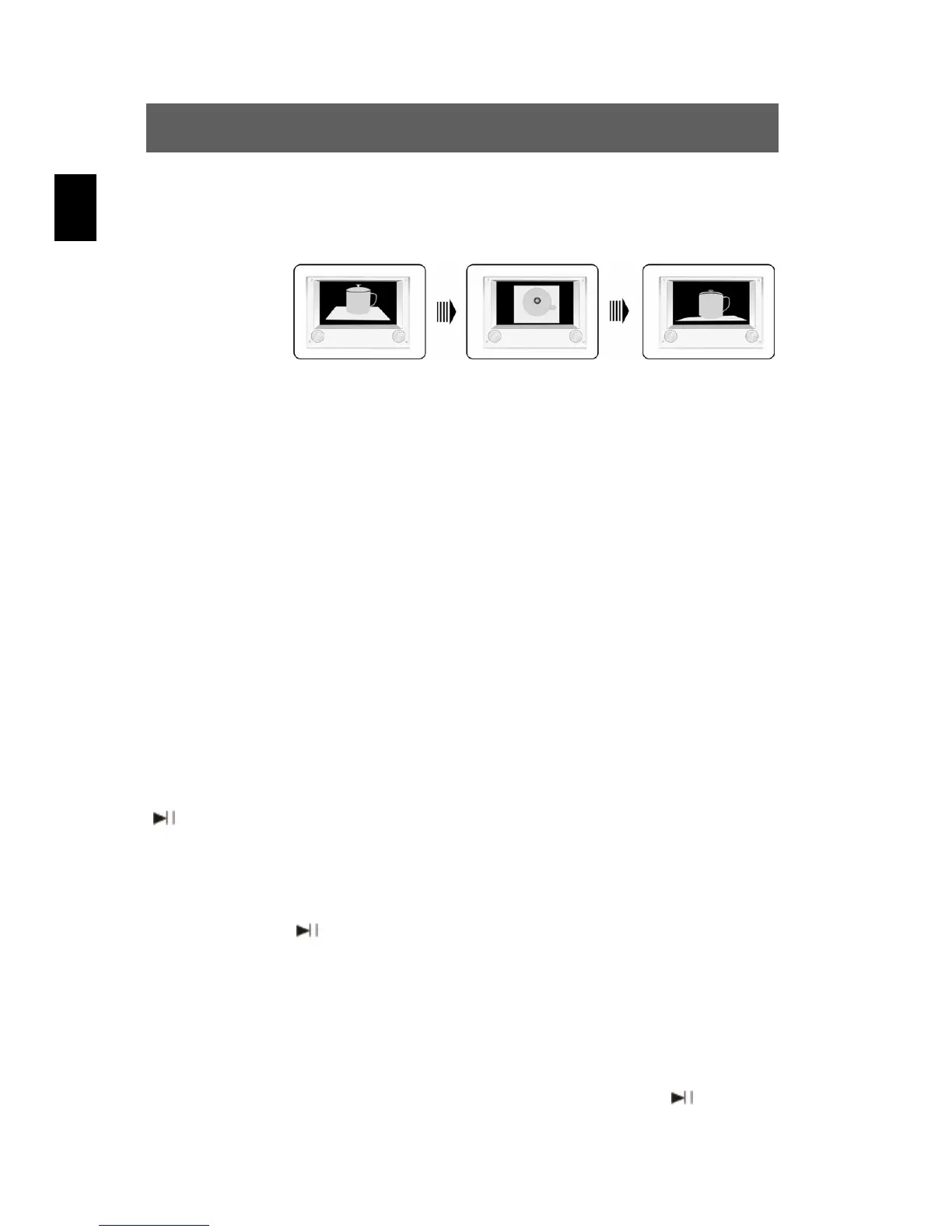
ANGLE button Pressing this button cycles through the camera
perspectives available for the particular scene (see
illustration).
This function is only available for DVDs that contain
recordings of multiple camera perspectives.
TITLE button The content of a DVD is often divided into several
titles that contain multiple menus.
If you press the TITLE button during playback, the
title menu is displayed. Using the buttons or
the numerical buttons (0-9) and +10 on the remote
control, you can select the desired title or the desired
option. Confirm with ENTER or ENT.
8.3 CD playback (Audio, MP3, VCD, SVCD)
When you insert a CD in the DVD player while the power is on, the
tracks are played in the preset order. Use the or button to play a
specific track.
PLAY/PAUSE
Press this button once (during playback) to pause
playback.
Press this button a second time to resume playback.
STOP / Press this button once (during playback) to stop
playback; to resume from the same position, press
/ PLAY.
Press this button a second time to end playing back
the disc altogether.
button
fast-forward
Press this button once to fast-forward.
Pressing this button repeatedly will increase the
forward speed successively to 2x, 4x, 8x, 20x.
Continue playback at normal speed using
.



 To Next Page